An ATS/CRM in one platform tracks applicants through the hiring pipeline (the ATS) and keeps candidates and clients warm between roles (the CRM) in a single record, with one login and one bill. For agencies the best fit in October 2026 depends on the gap you need to close: Sprad if you also have to find candidates (ATS, talent pool, AI requirement search and LinkedIn plus email outreach in one tool, from 79 € per seat and month, free start), Recruit CRM or Manatal if price decides, Spott if conversations across channels are the pain, Recruiterflow if you want automation. The comparison below gives price, strengths and limits of eight platforms, a worked cost example for eight recruiters and a checklist for the switch.
What's the difference between an ATS, a recruiting CRM and recruiting software?
An ATS (applicant tracking system) manages candidates after they apply, a recruiting CRM (candidate relationship management) sources and nurtures them before they apply, and "recruiting software" is the umbrella term that covers both. An ATS runs the hiring pipeline for an open role: sourced, applied, screened, interviewed, offered. A recruiting CRM manages relationships that outlast any single role, such as a candidate you placed two years ago or the client company you are trying to win. For agencies the split matters twice: a good candidate today is often a placement next quarter, and a client conversation rarely starts and ends with one requisition.
The ATS is the system of record: every application is documented and scored on its way to the offer. The CRM is the system of engagement: it reaches passive talent who never apply, keeping a pool warm until a role fits. Recruiting software (also called talent acquisition software) sits one level above and includes the ATS, the recruiting CRM and the sourcing tools that feed them. The ATS is usually its largest single part, which is why the terms get used interchangeably (see the applicant management software category).
- ATS only: tracks applicants through stages for one specific job. Weak on long-term relationships once the role closes.
- CRM only: tracks people and companies over time. Weak on structured pipeline stages, reporting and compliance for active hiring.
- Combined ATS/CRM: one database, one candidate or client record, one place to see both the active pipeline and the relationship history, which is what every platform in this comparison is built around.
Where an ATS and a candidate CRM overlap, and where they don't
The overlap is real but narrow. Both store candidate records and a history of contact, and each generation borrows a little more from the other: many ATS now ship talent-pool tags and rediscovery search, and several CRMs added lightweight pipeline stages. They part ways on timing and intent. An ATS moves applicants toward a hiring decision; a candidate CRM warms people up long before one is on the table.
| Capability | Applicant tracking system (ATS) | Recruiting / candidate CRM |
|---|---|---|
| When it works | After a candidate applies | Before a candidate applies |
| Its role | System of record | System of engagement |
| Core job | Structure applications, pipeline and offers | Source and nurture a talent pool |
| Candidates it holds | Active applicants for open roles | Passive prospects and past applicants |
| Standout features | Resume parsing, scorecards, scheduling, compliance | Outreach sequences, drip campaigns, talent communities |
| Typical owner | In-house TA teams and hiring managers | Sourcers, agency recruiters, talent marketers |
The gap that never closes is candidate mindset. A CRM speaks to someone who has not decided to look, so its tools lean on nurture and patient timing. An ATS speaks to someone who has already raised a hand, so its tools lean on structure and speed. A compliant, high-volume selection process buckles in a pure CRM; a pure ATS leaves you stranded when you need to court a passive engineer over six months.
Which do you need: in-house team, agency or high-volume hiring?
Match the tool to your hiring pattern, not your headcount. Most companies need an ATS first and a CRM only once proactive sourcing becomes a regular part of the job.
- Staffing or recruitment agency: two pipelines run at once, clients and candidates, so the recruiting CRM is the core system with ATS functions wrapped around it. That is exactly the case the combined platforms below are built for.
- In-house TA with steady demand: an ATS is your core, plus a CRM once you build real talent pipelines.
- High-volume hiring (retail, logistics, production): lead with an ATS for structure, compliance and communication at scale.
- Low-volume or occasional hiring: a modern ATS alone is plenty; a separate CRM rarely earns its keep.
- Proactive sourcing for hard-to-fill roles: you need CRM-style sourcing, now often built into an AI-first ATS.
Whether outbound work belongs in a CRM or a sourcing tool is worth deciding deliberately, and the line between sourcing and recruiting is exactly where the second system starts to earn its cost.
Why one platform now covers both
The three-way vocabulary made sense when each tool did one job. In 2026 the categories are collapsing back together: AI-first platforms build CRM-style sourcing and a living talent pool into the ATS, so one system covers the before-apply and after-apply work that used to need two. Two separate point tools also tend to cost more than one combined platform once you add sourcing and enrichment fees on top. The practical move is to diagnose first: find the single step where your hiring loses the most time or candidates, and shortlist only tools built to fix that step. If applicants pile up faster than you can process them fairly, start with ATS strength; if the right people never apply, you need sourcing.
The best combined ATS/CRM platforms for agencies (2026)
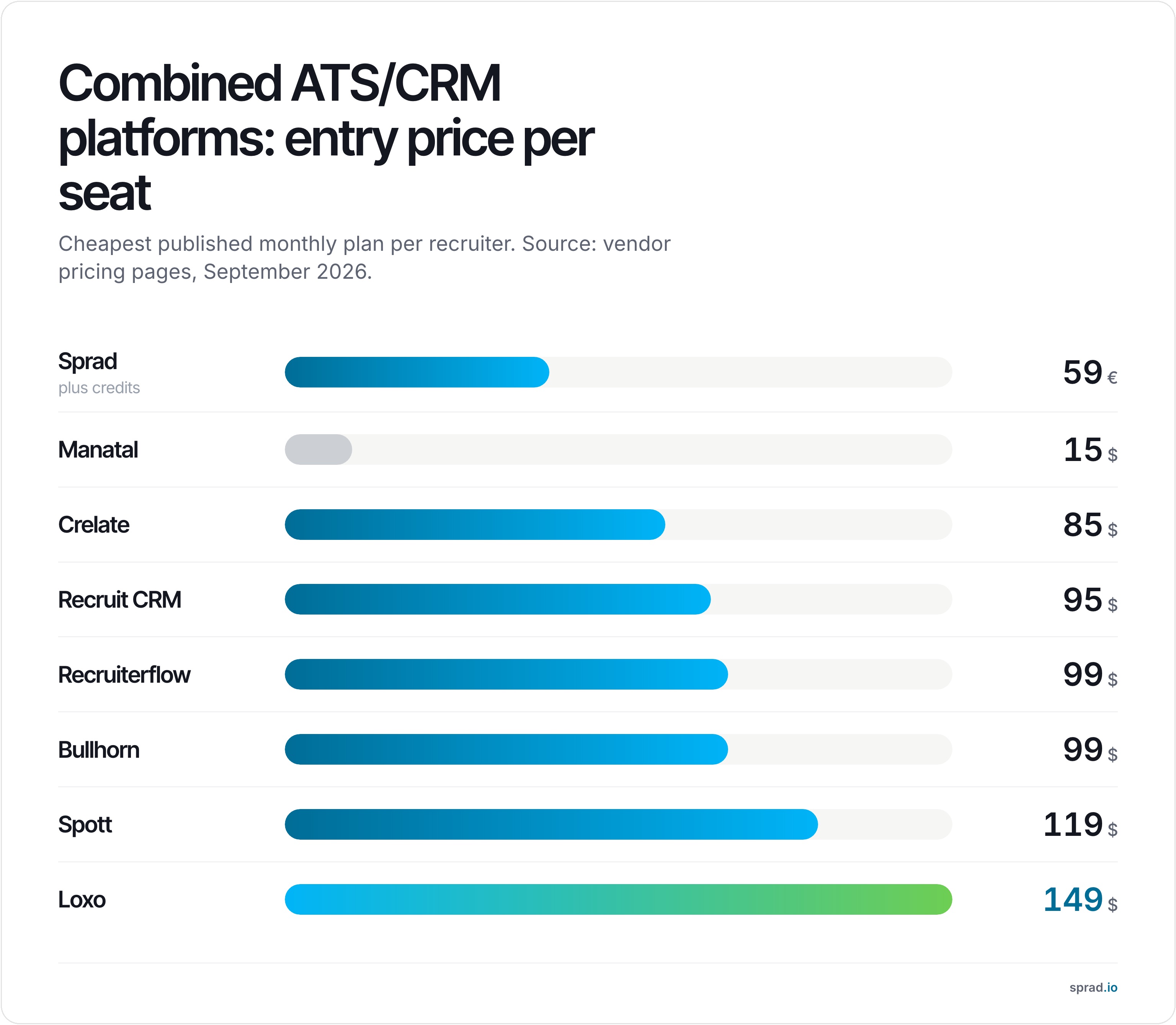
All prices below are per recruiter seat, per month, as published by each vendor in September 2026. Annual billing is assumed unless noted.
| Platform | Price/seat/mo | External sourcing built in | AI matching | Outreach sequences | Best for |
|---|---|---|---|---|---|
| 1. Sprad | 79 € (Recruiter Lite) or free with credits | Yes — 1B+ profiles (LinkedIn, XING, GitHub, own pool) | AI check of every profile against your requirements, not keywords | LinkedIn (incl. InMail) and email, automated with AI templates and follow-ups, one inbox | Agencies that also need to source, not just track |
| 2. Spott | $119 | No (enrichment only) | Semantic matching | Email, WhatsApp, SMS, LinkedIn | Teams with an existing pool who want a unified inbox |
| 3. Recruiterflow | $99–159 | LinkedIn extension only | AIRA (Enterprise tier only) | Email & SMS sequences | Automation-heavy teams replacing Zapier stacks |
| 4. Loxo | $149–199 | Yes — 1.2B Loxo Source | Talent Graph (Professional tier) | Email (documented reliability issues) | US agencies that want sourcing and ATS in one bill |
| 5. Crelate | $85–119 | LinkedIn extension only | Native AI assistant, every plan | No sequences | Small boutique teams wanting a simple, flexible pipeline |
| 6. Recruit CRM | $95–100 | No | Basic (resume parsing, ChatGPT add-on) | Email sequencing | Budget-conscious teams that want a solid, flexible core |
| 7. Bullhorn | $99–165 (AI: custom) | No native (partner integrations) | Custom-priced Pro/Max only | Custom-priced only | Large, established agencies already invested in the ecosystem |
| 8. Manatal | $15–55 | LinkedIn extension only | AI enrichment & recommendations | No sequences | The cheapest full ATS/CRM with real AI features |
1. Sprad: ATS, talent pool and AI search in one tool
The difference from most names on this list: you describe a role in plain language and Atlas reads full candidate profiles against it, instead of building a Boolean string. In the Recruiting category of the public PeopleSearchBench, Atlas comes to 73.5 out of 100 in our own re-measurement, converted to the published scale (Lessie 68.2, Juicebox 65.7 as published). PeopleSearchBench (Recruiting), published by Lessie, October 2026. Other systems' scores as published in the benchmark; Atlas is our own re-measurement with the benchmark's open test procedure, converted to the published scale; not an official entry (methodology). Search, outreach and screening run on credits (100 free every month, no credit card), so occasional users can start free.
One search covers LinkedIn, XING, GitHub and your own pool (people search), and what you find stays in your talent pool. Outreach goes out over LinkedIn (connection requests, messages and InMail) and email, automated with AI templates and follow-ups, with every conversation in one inbox per candidate. You can search your own LinkedIn network and the networks of your colleagues, all views export as raw data, and hosting is in the EU.
2. Spott: the tidiest inbox for an existing pool
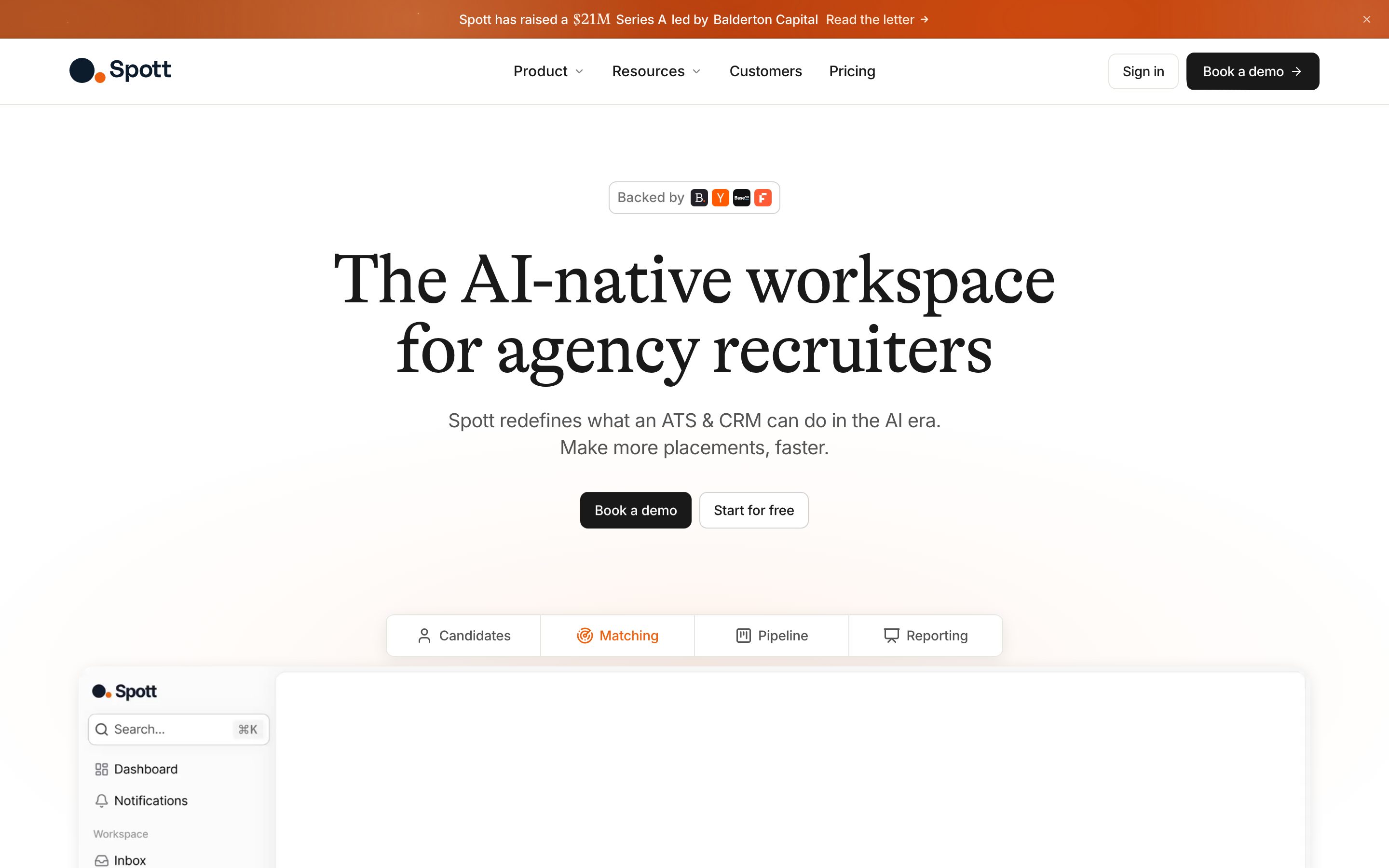
Spott is built around a unified inbox — email, WhatsApp, SMS and calls in one thread per candidate — plus an AI notetaker that summarizes calls in under a minute.
3. Recruiterflow: automation over sourcing
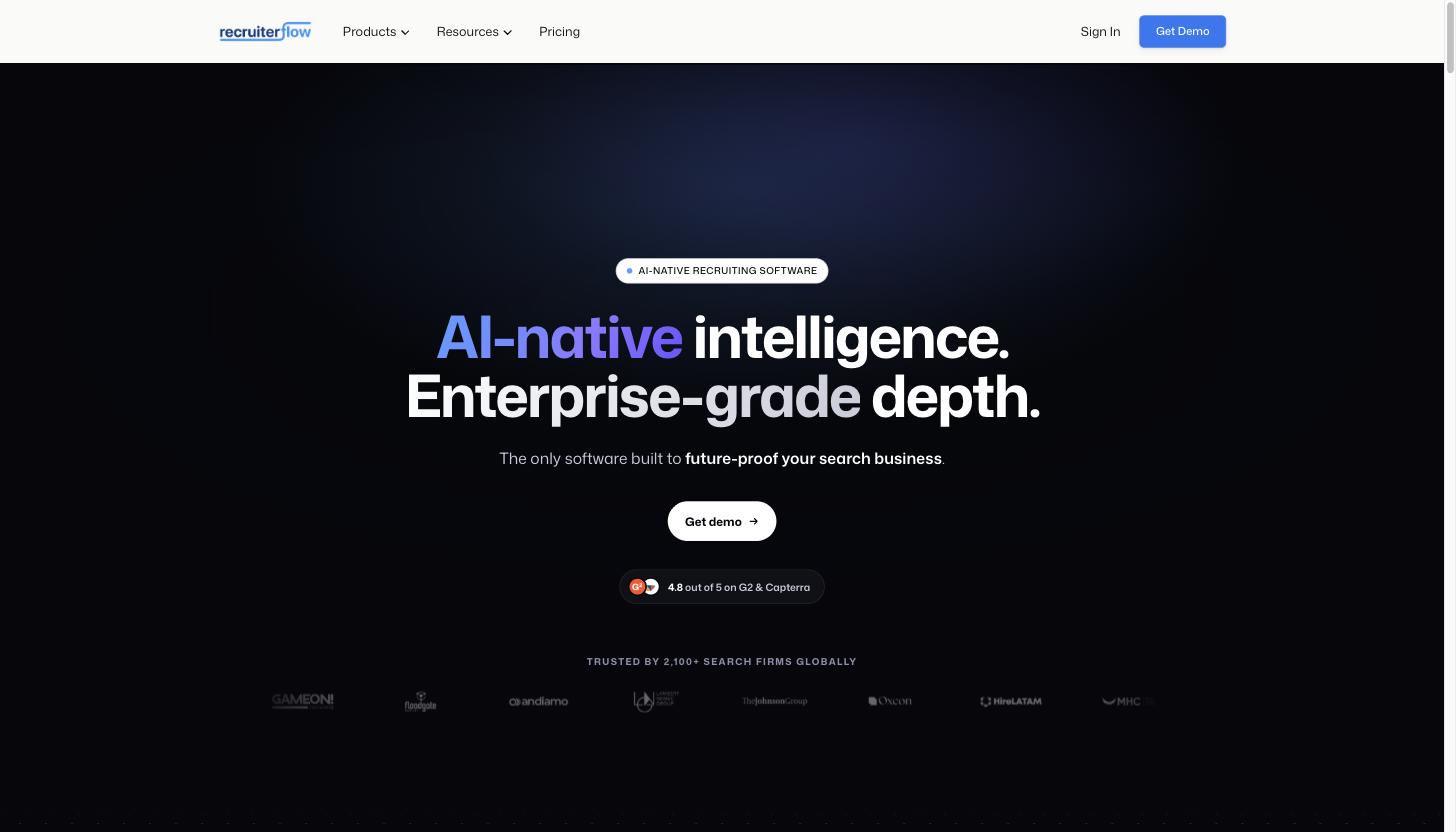
Recruiterflow's "Recipes" (when-then automations) and multi-channel sequences replace a Zapier-plus-outreach-tool stack. Reviewers on G2 rate it 4.6/5 across 194 reviews and consistently praise support, though reporting setup is described as awkward at volume.
4. Loxo: a US-built sourcing database with an ATS attached
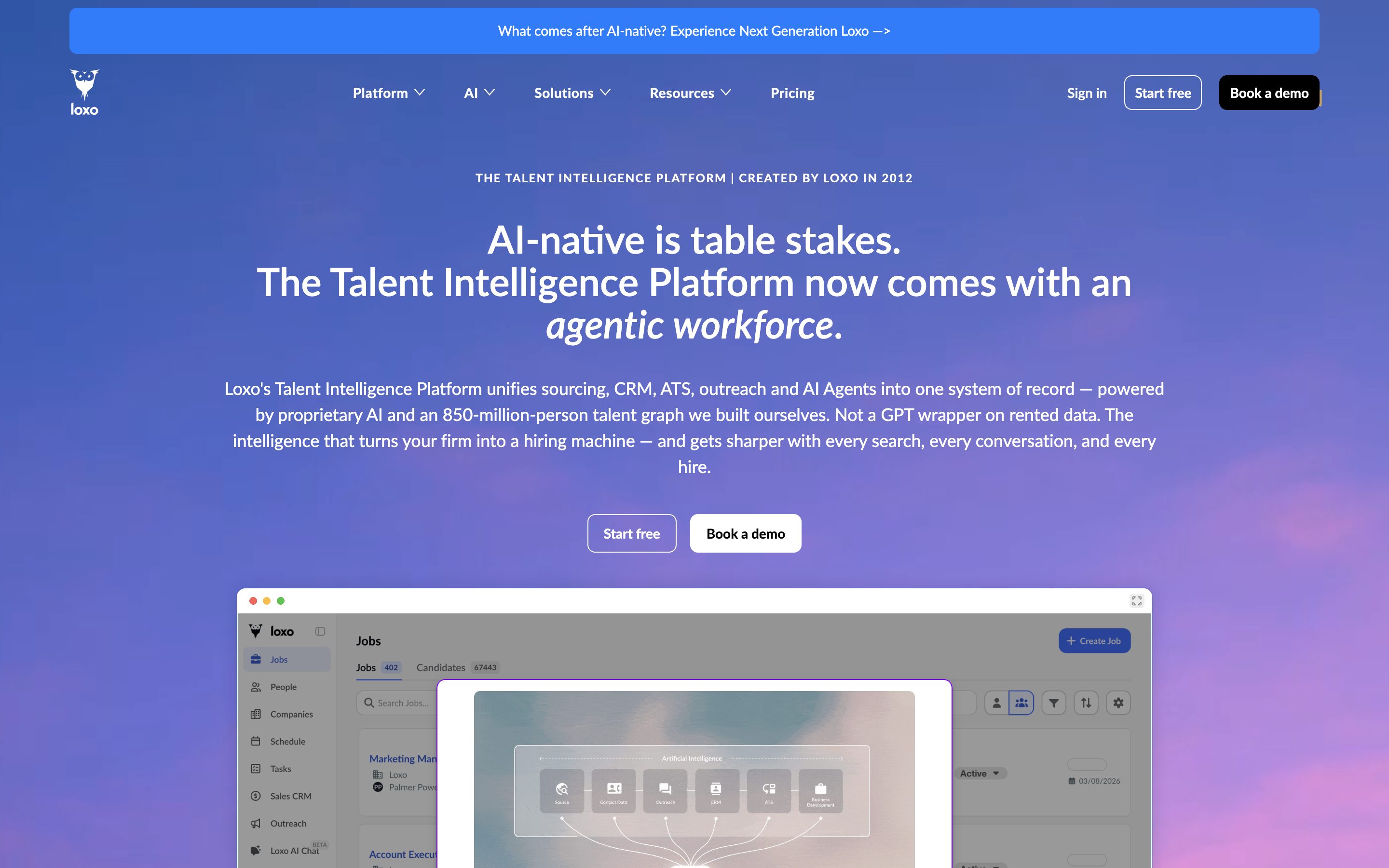
Loxo's pitch is the reverse of an ATS with sourcing bolted on: its 1.2B-profile "Loxo Source" database is the core product, with pipeline management around it.
5. Crelate: simple, flexible, capped at two seats on the entry plan
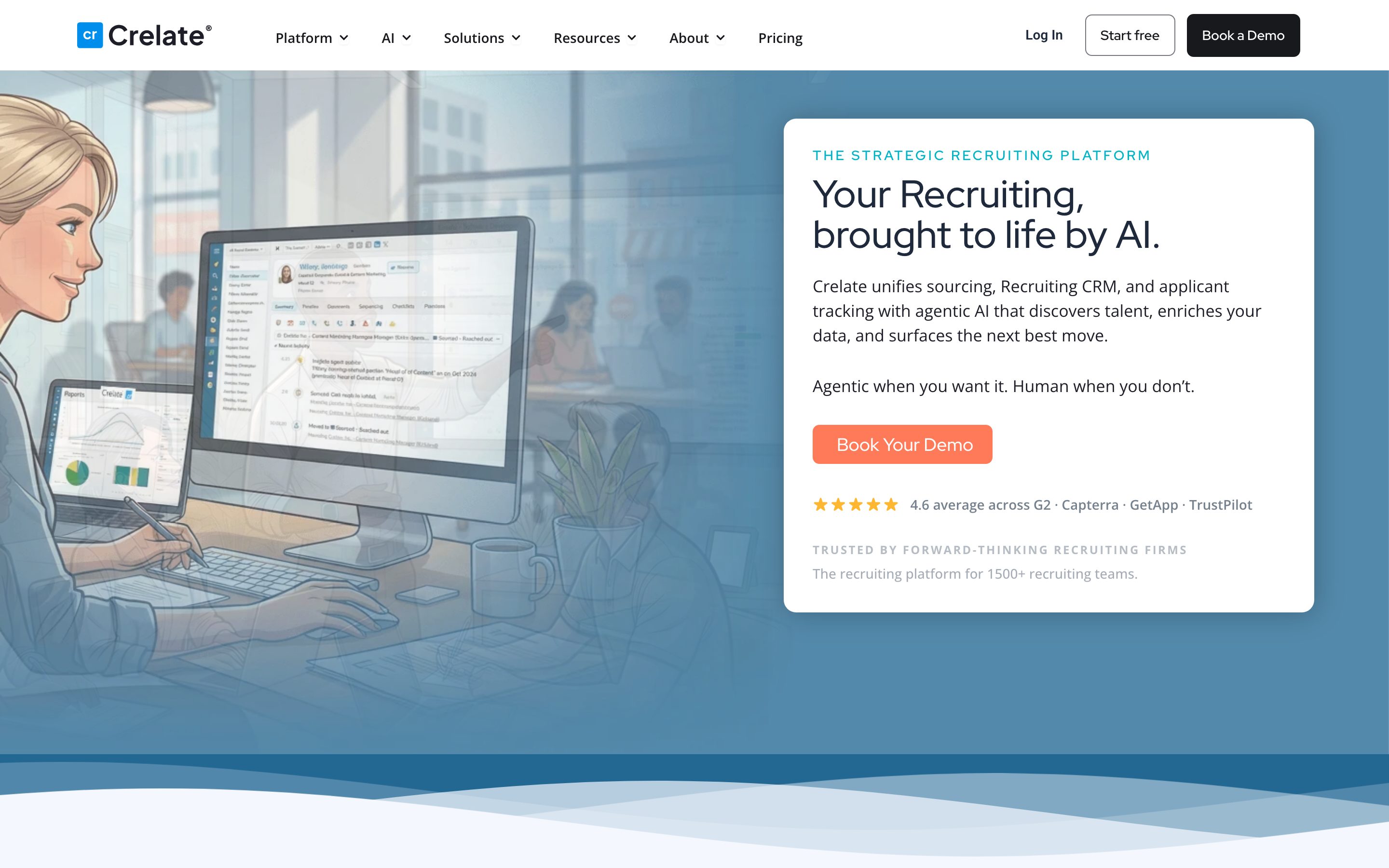
Crelate ships a native AI assistant on every plan, including its cheapest Essentials tier — a genuine differentiator among the pricier gated-AI options in this list.
6. Recruit CRM: the best price-to-feature ratio for a lean setup
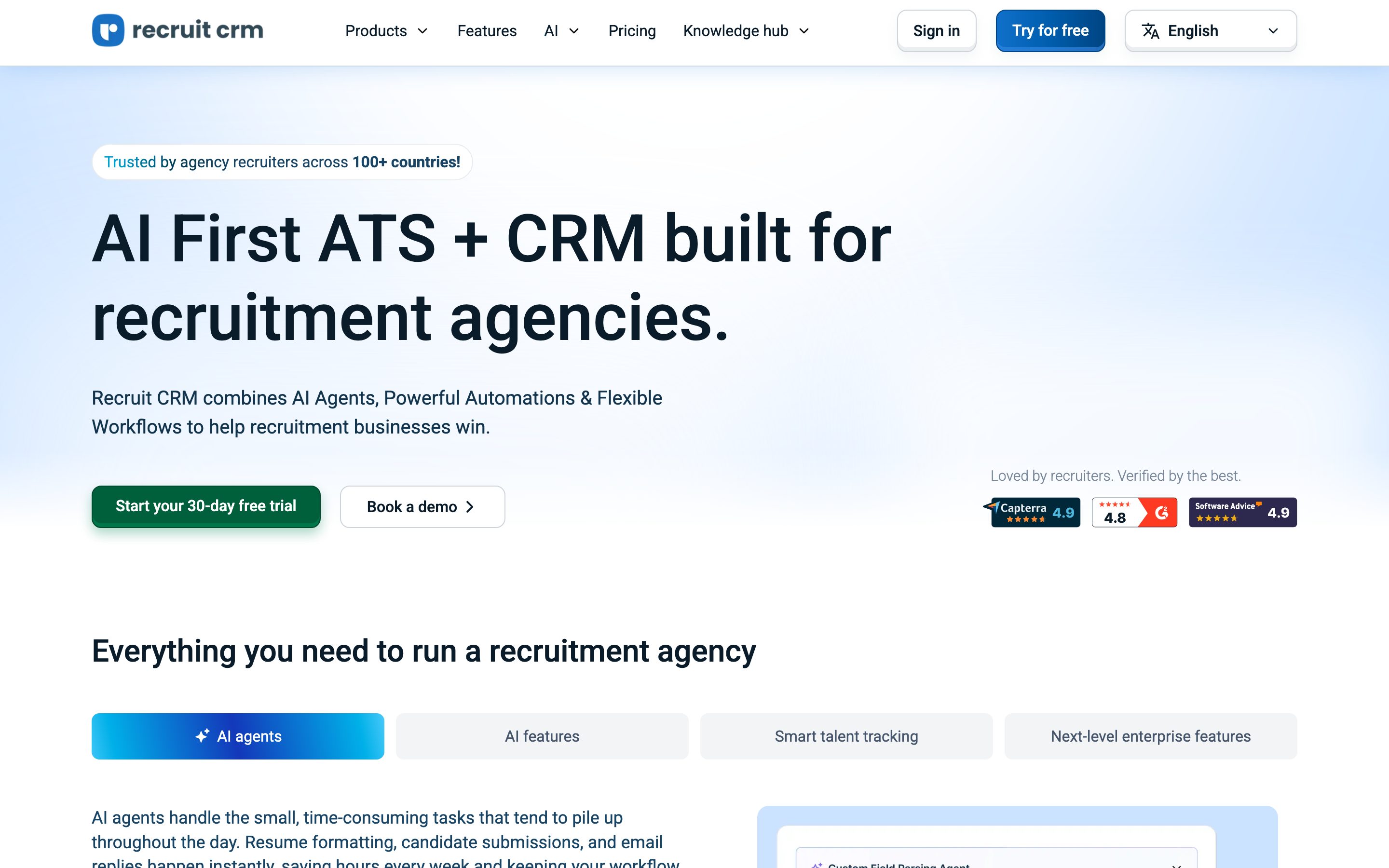
Recruit CRM holds the highest Capterra score in this group (4.9/5, 475 reviews). Candidates come from imports, referrals and a Chrome-extension-style LinkedIn workflow rather than a built-in search engine.
7. Bullhorn: established, but AI sits behind a quote
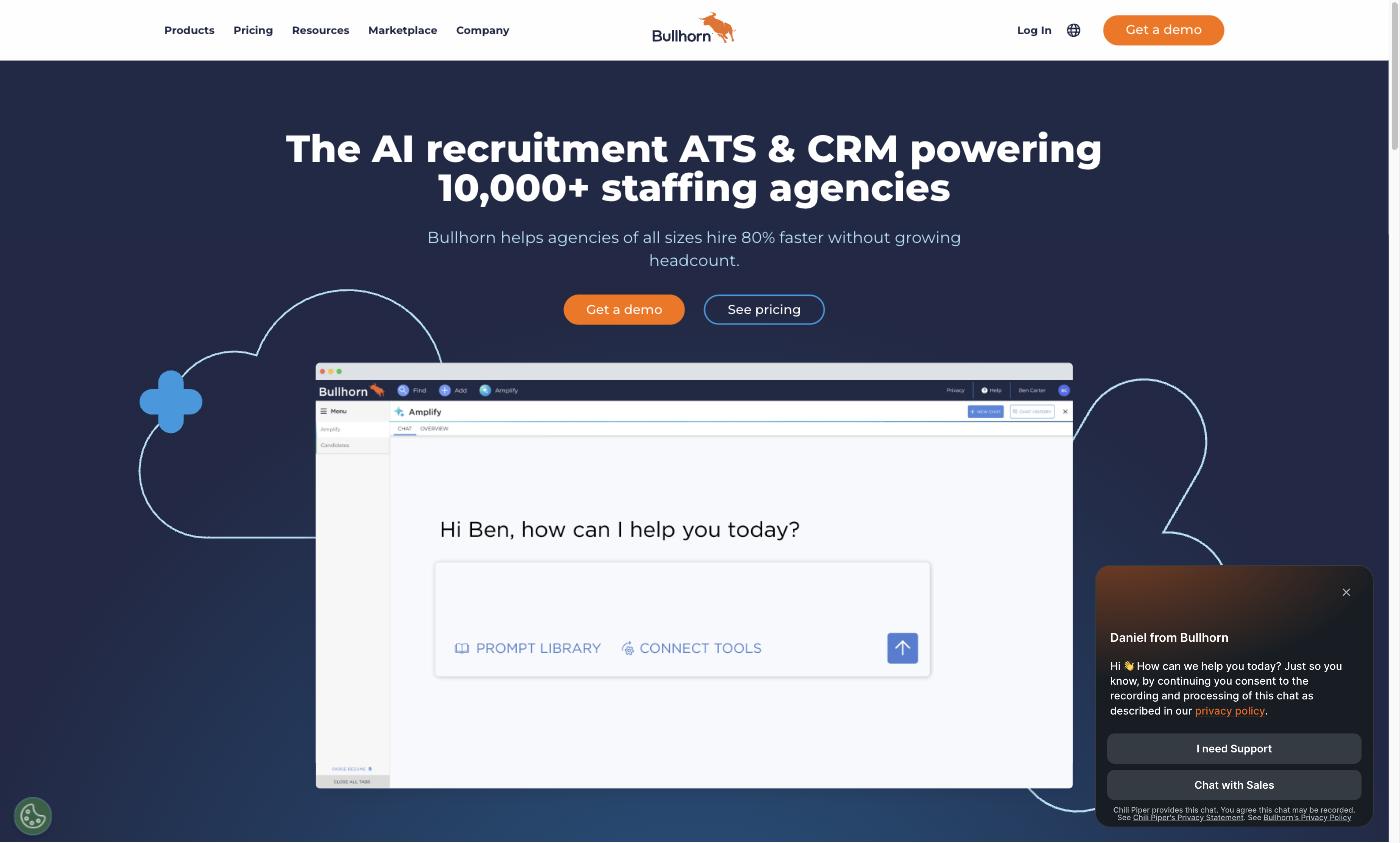
Bullhorn's Starter and Core plans cover the ATS/CRM basics and 300+ integrations. G2 reviewers (4.2/5, 1,242 reviews) cite lag on large datasets and slow support; Capterra's "value for money" category sits at 3.7/5, the weakest score in this comparison.
8. Manatal: the cheapest seat with real AI in it
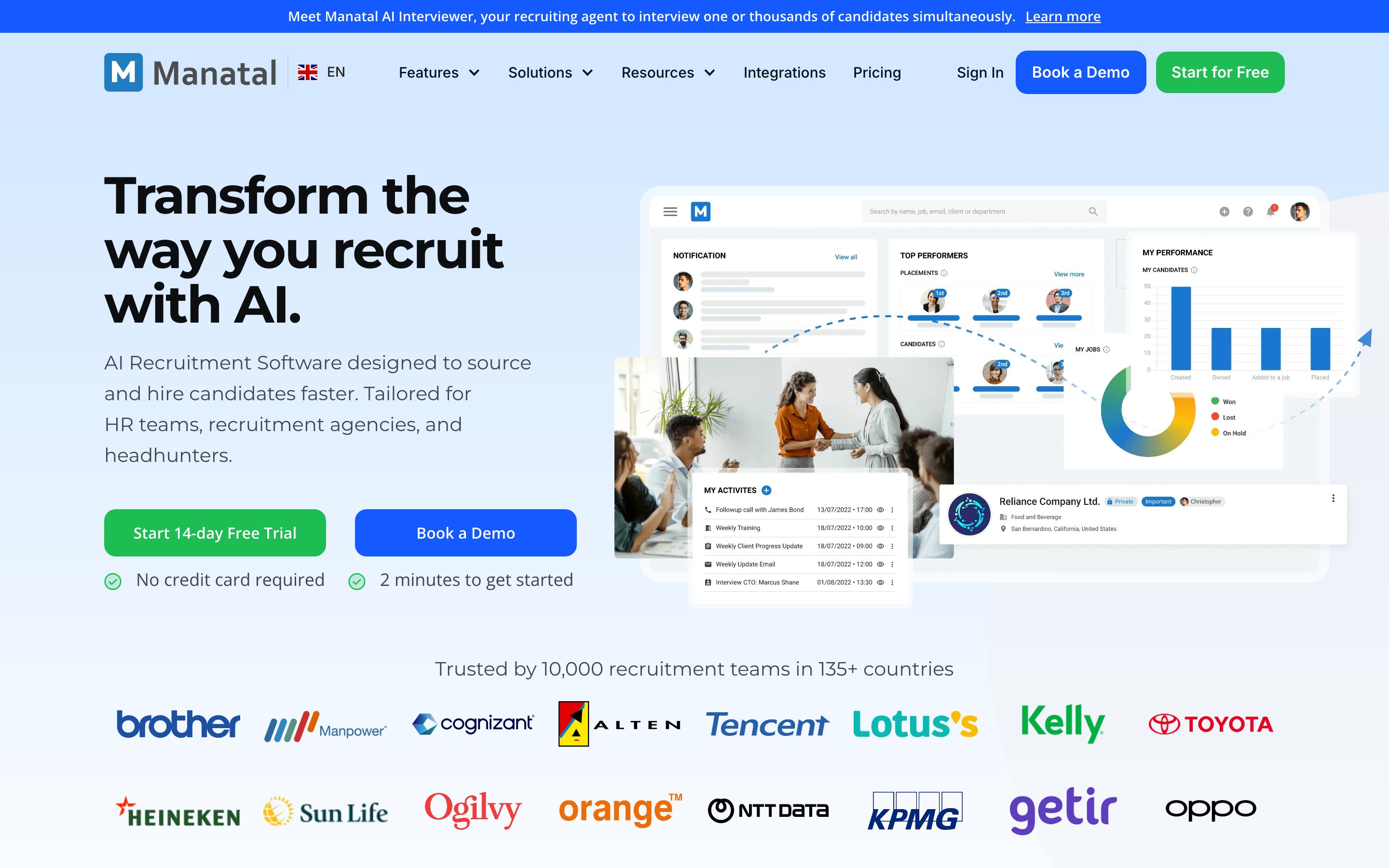
Its interface ships in German, Spanish and French. Reviewers on Capterra (4.6/5, 142 reviews) call the price "insanely good," but also note AI suggestions "often miss the mark" on nuanced roles, and admin mobile access is limited.
How to choose between them
- You need to find candidates, not just track them: Sprad or Loxo — both ship a real external search engine; the rest need a separate sourcing tool bolted on.
- Your team is under 5 recruiters: Sprad, Recruit CRM or Manatal — no 3-seat minimums, no enterprise sales cycle.
- You already have a candidate pool and the pain is conversation sprawl: Spott's unified inbox is purpose-built for that problem.
- You want AI features included in the list price, not a custom quote: Sprad, Spott, Crelate and Manatal all bundle AI into every plan; Bullhorn, Recruiterflow and Loxo gate the strongest AI behind their top, custom-priced tier.
- Your agency runs temp staffing with payroll and shift compliance: none of the eight above handle payroll — that's a separate category of specialized back-office ERP software.
Questions to clarify before you buy
- Does the seat price include AI, or is it a custom quote? Bullhorn, Loxo and Recruiterflow all gate their strongest AI features behind higher or custom-priced tiers — get the number in writing before you sign, not just the seat price.
- Is there a seat minimum or maximum? Recruiterflow requires 3 seats minimum; Crelate's cheapest plan caps out at 2 users. Check both ends against your actual headcount.
- Where is candidate data hosted, and is there a signed data processing agreement? For DACH agencies this is the practical GDPR question — ask for the DPA and the hosting region before the trial, not after the contract.
- What happens to your data if you cancel? Export formats and post-cancellation access vary a lot between these vendors; get it in the contract, not a sales call.
- Does outreach include email, or only LinkedIn? Several tools here route candidate outreach through LinkedIn only; Sprad covers LinkedIn (including InMail) and email, automated with follow-ups and AI templates if you want, with every conversation in one inbox per candidate — check this if email sequences are how your team actually works.
One way to tell real AI search from keyword search: if results appear instantly, it is almost always a (semantic) keyword search. A real AI search checks every profile against your requirements, which takes a little longer — so ask to see the reasoning per candidate.
What does an ATS/CRM really cost? A worked example for 8 recruiters
Seat prices alone mislead, because the real comparison is one tool against "ATS/CRM plus the tool that finds candidates". Here is the calculation for an agency with 8 recruiters, annual billing, list prices excluding VAT, October 2026. The $90 for a separate sourcing seat is our assumption (seat-based sourcing tools list around that); replace it with your own quote.
| Setup | Per recruiter / month | 8 recruiters / month | 8 recruiters / year | What to note |
|---|---|---|---|---|
| ATS/CRM (Recruit CRM) + separate sourcing tool | about $190 ($100 + $90) | $1,520 | $18,240 | Two logins, two inboxes, risk of double outreach |
| ATS/CRM only (Recruit CRM) | $95–100 | $760–800 | $9,120–9,600 | No external search: candidates come from imports and referrals |
| Sprad Recruiter Lite | 79 € | 632 € | 7,584 € | Quick and normal search included; deep search, company search and contact data run on credits |
| Sprad: 2 × Atlas Recruiter + 6 × Recruiter Lite | 299 € / 79 € | 1,072 € | 12,864 € | For teams where two people source every day (unlimited search within fair use) |
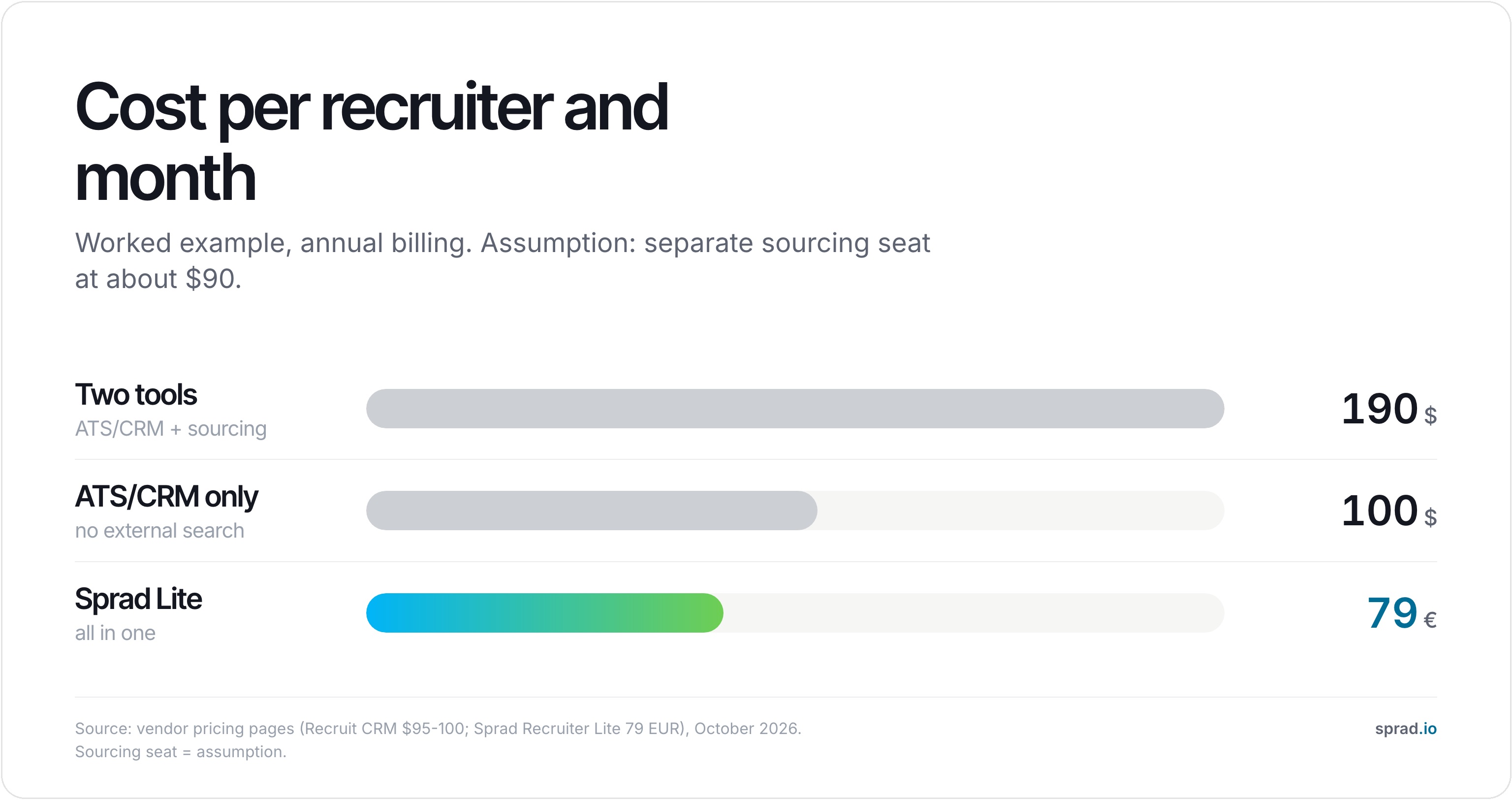
Read it fairly: dollar and euro prices are not converted, Atlas Recruiter costs more per seat than many seat tools, and Recruit CRM alone is cheaper if your candidates only ever come from imports and referrals. The gap opens when sourcing is part of the daily work: one seat then covers record, search and outreach, and nobody pays twice for the same candidate list.
Five mistakes agencies make when buying an ATS/CRM
- Buying the pipeline, not the source. A CRM without a way to find new people is an empty database after the first import. Ask where your next 200 candidates will come from.
- Comparing seat prices, not what is inside. Several tools put AI or sequences behind a quote (see the table), so the cheap seat is not the price you end up paying.
- Importing everything. Old lists without consent or retention rules carry their GDPR risk into the new system. Clean first, import second.
- Splitting the inbox. When LinkedIn and email conversations live in different tools, two colleagues write to the same candidate. Check that the tool warns you about earlier contact, also from colleagues and for other roles.
- No exit plan. Ask in writing for a full export of candidates, notes and clients before you sign. Vendors differ widely on what stays after cancellation.
How to switch to one platform without losing data: five steps
- Export everything from the old tools: candidates, clients, notes, placements, attachments. Ask the vendor which of these the standard CSV leaves out.
- Remove duplicates before the import, using email address and LinkedIn URL as the key.
- Map your stages (sourced, contacted, interview, placed) to the new pipeline once, not per recruiter.
- Delete what you may no longer keep (rejected applicants beyond your retention period, see below).
- Run both systems in parallel for two weeks, check three real searches and three real placements end to end, then cancel the old contracts at the next notice date.
GDPR, retention and the EU AI Act: what to check
Candidate data is personal data, and an ATS/CRM keeps it for years, so the tool is only half of the answer. Four checks (legal references as of October 2026; orientation, not legal advice):
- Processing agreement and hosting: a data processing agreement under Art. 28 GDPR and the hosting region, before the trial ends.
- Retention: data may only be kept as long as needed (Art. 5(1)(e) GDPR); in Germany § 26 BDSG governs applicant data. Agencies often keep rejected applicants about six months because § 15 (4) AGG allows two months to claim compensation and § 61b ArbGG three months to sue after that. Six months is common practice, not a statutory period; talent-pool entries beyond it need consent or another legal basis, so ask your data protection officer.
- Automatic deletion: the tool should delete or anonymise by rule, not by hand.
- AI features: Regulation (EU) 2024/1689 (AI Act) lists AI used to filter or evaluate applicants as high-risk (Annex III, point 4). Which obligations apply from when is still moving, so check the current dates at purchase. The safe pattern is: AI prepares, humans decide, and the tool shows its reasoning per candidate.
Why one workspace beats stitching tools together
The real cost of a separate ATS, CRM, sourcing tool and enrichment service isn't just the extra invoices — it's the data that goes stale between them. A candidate updates their title on LinkedIn, your CRM doesn't know, and your recruiter reaches out with an offer for a role the person left months ago. An all-in-one platform doesn't fully solve that on its own, but it removes at least one handoff where the update gets lost. Where Sprad goes further than the others here is ownership: cancel most of these tools and the candidate data built inside stays with the vendor or simply disappears with the subscription. A talent pool built in Sprad stays with your agency, searchable, even after you cancel.
FAQ
What does ATS CRM stand for?
ATS is an applicant tracking system, CRM a (candidate or client) relationship management system. An "ATS CRM" is one platform that does both: it runs the pipeline for open roles and keeps candidates and clients warm between them.
What is the best ATS with a built-in CRM?
It depends on the gap. Sprad fits agencies that also need to find candidates (from 79 € per seat and month, free start). Recruit CRM offers the best price-to-feature ratio for a pipeline only, Manatal the cheapest seat with AI ($15), Spott the tidiest multi-channel inbox, Recruiterflow the most automation, Bullhorn the largest ecosystem for big agencies.
How much does an ATS/CRM cost?
From $15 per user and month (Manatal) to about $200 (Loxo) for the tools in this comparison, Sprad from 79 € per seat or free with credits. For 8 recruiters that is roughly $9,600 a year for an ATS/CRM alone against $18,240 with a separate sourcing tool and 7,584 € with Sprad Recruiter Lite (worked example above, October 2026).
How do I move from a separate ATS and CRM to one platform?
Export all data, remove duplicates, map your pipeline stages, delete what you may no longer keep, then run both systems in parallel for two weeks before cancelling (five steps above).
Is an ATS the same as a CRM?
No. An ATS tracks candidates through a hiring pipeline (applied, screened, interviewed, hired); a CRM manages relationships — with candidates over time, or with client companies. Recruiting agencies typically need both, which is why combined platforms exist.
Is recruiting software the same as an ATS?
No. Recruiting software (also called talent acquisition software) is the umbrella term; an ATS is one part of it, next to the recruiting CRM and standalone sourcing tools. The ATS is usually the largest single component, which is why the two terms get mixed up.
Do I need both an ATS and a CRM?
Many in-house teams start with an ATS alone and add CRM-style sourcing once reaching passive candidates becomes routine. Agencies usually need both from day one, because they manage candidates and clients at the same time. A combined ATS/CRM platform covers both without two systems and two invoices.
What is a candidate CRM?
A candidate CRM (recruiting CRM) keeps talent warm before anyone applies. It stores passive prospects and past applicants and keeps them engaged through outreach and talent communities until a suitable role opens. It is the sourcing side of hiring, sitting in front of your applicant pipeline.
Can one tool do both?
Yes, and that is increasingly the norm. The platforms compared above combine pipeline management and relationship tracking in one record; only some of them also include external candidate search, so check that before you buy.
What's the cheapest ATS/CRM with AI features included?
Manatal, at $15/user/month annual, is the cheapest with genuine AI candidate enrichment built in. Sprad costs more per seat (Recruiter Lite from 79 €/month, or free with credits), but it fits better for a team that also needs to source candidates, since Manatal has no external search engine.
Which of these tools includes external candidate sourcing?
Only Sprad (1B+ profiles) and Loxo (1.2B profiles) ship a genuine external search engine as part of the core product. The rest rely on LinkedIn browser extensions or third-party enrichment integrations.
Do any of these have a free plan?
Sprad offers 100 free credits every month (200 in the first month) with no credit card required, which covers a real amount of usage before any bill starts. None of the others in this table have a permanently free tier — most offer a time-limited trial instead.
Which platform is best for a small agency under 10 recruiters?
Sprad, Recruit CRM and Manatal all avoid seat minimums and enterprise sales processes. Recruiterflow's 3-seat minimum and Crelate's 2-user cap on its cheapest plan are worth checking against your exact headcount first.
What should DACH-based agencies check for GDPR compliance?
Ask for a signed data processing agreement under GDPR (EU) 2016/679, Art. 28, before your trial ends. Confirm where candidate data is actually hosted — a German-language interface doesn't automatically mean EU hosting. And check the default retention period for rejected candidates: several US-built vendors default to a longer window than typical German practice, and this is usually a setting you can change once you ask.
The bigger picture: your data, not just your tools
Choosing an ATS/CRM combination is really a choice about where your agency's network lives. Sprad brings the requirement search over 1B+ profiles, the talent pool and the outreach agent into one workspace from 79 € per seat and month (Recruiter Lite) or free with credits, with 100 free credits every month and no credit card required — and unlike a rented seat on LinkedIn, the pool stays yours after you cancel. See what that looks like for your team size at sprad.io/industry/recruitment-agencies.
Jürgen Ulbrich
Jürgen Ulbrich has more than a decade of experience in developing and leading high-performing teams and companies. As an expert in employee referral programs as well as feedback and performance processes, Jürgen has helped over 100 organizations optimize their talent acquisition and development strategies.