Noon (noon.ai) is an autonomous AI sourcing agent: you paste a job description, it searches the open web, ranks candidates against your must-haves and drafts email and SMS outreach. It is not as hands-off as the label suggests: in the documented Greenhouse setup, Noon sends a daily candidate batch for review and emails go out only after you confirm. There is no public price (quote only), and independent reviews are thin. The closest alternatives are Pin, Juicebox, Gem, SeekOut, hireEZ and Findem; Sprad is the one to pick if you want the most matching candidates and the broadest toolkit in one place: every profile checked individually, LinkedIn and email outreach in one inbox, your own talent network and EU hosting at published prices.
What is Noon AI, and which Noon is meant?
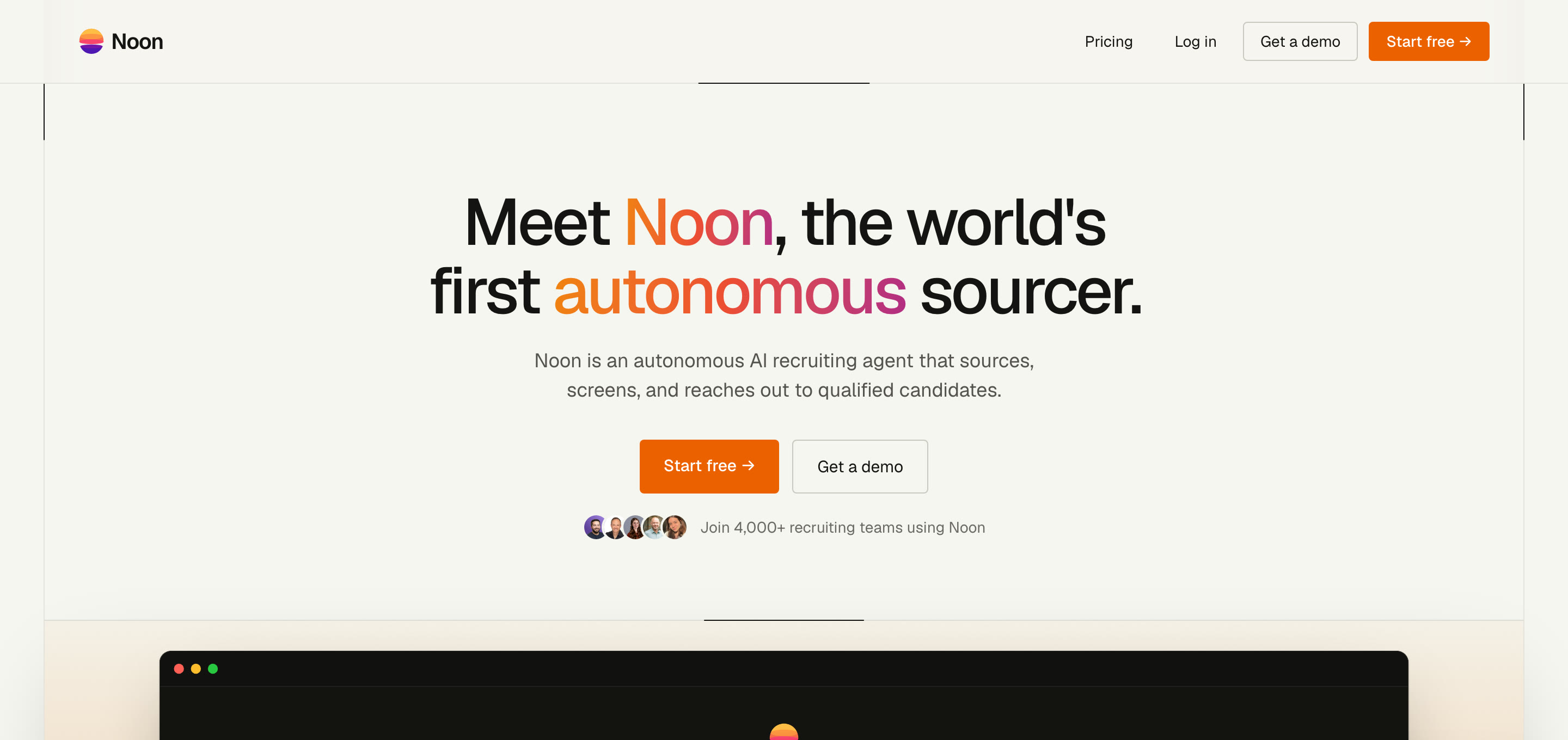
Noon AI is a recruiting product from a US vendor (New York, according to third-party reviews). Its homepage calls it “the world's first autonomous sourcer” and says it sources, screens and reaches out to qualified candidates. It also claims 4,000+ recruiting teams; we could not verify that number.
Do not confuse it with other Noons. noon.com is a Gulf-region e-commerce platform, and there is a separate US start-up called Noon that builds an AI design tool. Neither has anything to do with recruiting. If your search was “noon ai recruiting” or “noon ai sourcing”, this article is the right one.
What Noon can do, and what it cannot
What follows comes from Noon's own pages, the Greenhouse integration guide and third-party summaries. Where sources disagree or Noon publishes nothing, we say so.
- Sourcing from a job description. You describe the role, Noon proposes must-haves and nice-to-haves, you confirm them, and it searches. It says it works across the open web, not a fixed profile index; it publishes no profile count and no list of data sources.
- Ranking with evidence. Candidates are scored against your criteria. Feedback is mostly thumbs up or down on its picks (per a competitor's description).
- Outreach. Email sequences and SMS with follow-ups, plus scheduling. According to third-party reviews it does not send LinkedIn messages or InMail.
- Extras reported by reviewers: verified contact details, scoring of inbound applications from your ATS, fraud flags, and an assistant that answers candidates and books interviews.
- ATS sync. Noon names 40+ integrations (Greenhouse two-way, Ashby, Lever, Workable, Bullhorn, iCIMS and others); only about ten are named publicly.
How autonomous is it really? The Greenhouse support guide for Noon describes a daily batch: Noon proposes verdicts, you accept or override each one, confirm, and only then does it send outreach or store candidates in a project. That is an approval workflow, which is sensible, but it is not “fully autonomous”.
Limits to know before you buy:
- Because it searches public web data, it has no view of your own talent pool or your network unless you sync your ATS.
- No public pricing, no public trust centre; SOC 2 Type II and GDPR compliance are stated by the vendor, with the report available under NDA.
- One third-party review rates it best for outbound-heavy roles and sees limited value for inbound-heavy hourly hiring.
- No LinkedIn channel, which matters if your candidates only answer there.
What does Noon cost?
Noon is free to start, then one flat paid plan with unlimited sourcing, contacts and seats, priced per team on request. We found no public dollar figure, so any number you see elsewhere is a guess. Two caveats from a competitor's analysis of Noon's terms (treat as one side's reading, check the contract yourself): overages are billed at unpublished rates, “unlimited” is subject to fair use, and the advertised 10x ROI guarantee requires an annual contract and minimum weekly usage.
Who Noon fits
Good fit: in-house teams and agencies that fill outbound-heavy, hard-to-find roles in English-speaking markets, want email and SMS outreach and are comfortable with a quote-based contract. Weaker fit: teams that need LinkedIn outreach, want to search their own talent pool and the web in one run, need published prices, or recruit mainly in the DACH region and want a vendor with a European footprint.
Does Noon work in Europe and under GDPR?
Noon states GDPR compliance and data-residency options, but publishes no list of subprocessors. Whichever tool you choose, three rules apply when you source people who have not applied. You must inform them at first contact and have a legal basis (Regulation (EU) 2016/679, Articles 6 and 14). AI that ranks candidates can count as high-risk under the EU AI Act (Annex III, employment), which adds duties for the user. Ask every vendor where data is hosted, whether your data trains models, and whether a data processing agreement is included. Our guide Active sourcing and GDPR covers the checklist.
Noon AI alternatives compared
The table lists Noon for reference and seven alternatives. Prices are vendor-published or from public roundups, as of October 2026, and exclude VAT where Sprad is concerned.
| Tool | Type | Data / search | Price (public info) | Outreach | EU focus |
|---|---|---|---|---|---|
| Sprad | Search + outreach + talent network | Requirement search over 1B+ profiles (LinkedIn, GitHub), your own pool and employee networks | Free start (100 credits/month); Recruiter Lite 79 €/seat/month; Atlas Recruiter 299 €/seat/month | LinkedIn, email and InMail in one inbox; voice, chat and agent pre-qualification | Yes, EU hosting |
| Noon | Autonomous agent | Open web, no published index size | On request | Email, SMS | Not stated |
| Pin | Agent (Assist/Autopilot) | 850M+ profiles claimed | Free tier; from about 99 $/month (annual) | Email, books calls | Not stated |
| Juicebox | Natural-language search | 800M+ profiles, 30+ sources claimed | Starter 99 $/month annual; agents 199 $ each | Via integrations | Not stated |
| Gem | Recruiting CRM + agent | 800M+ profile index plus your ATS | Custom; small-team tier reported from about 130 $/month | Email, InMail, SMS | Not stated |
| SeekOut | Talent intelligence | 1B+ profiles claimed | Solo from 149 $/month annual; teams custom | Integrations | Not stated |
| hireEZ | Sourcing platform | 500M+ profiles claimed | About 169–199 $/month solo; teams custom | Sequences | Not stated |
| Findem | Talent data platform | Proprietary “3D” data | Custom | Via integrations | Not stated |
| LinkedIn Hiring Assistant | Add-on to Recruiter | LinkedIn network only | No public price; Recruiter seats about 8,000–12,000 $/year (third-party estimate) | Not stated |
1. Sprad — search that includes your own pool
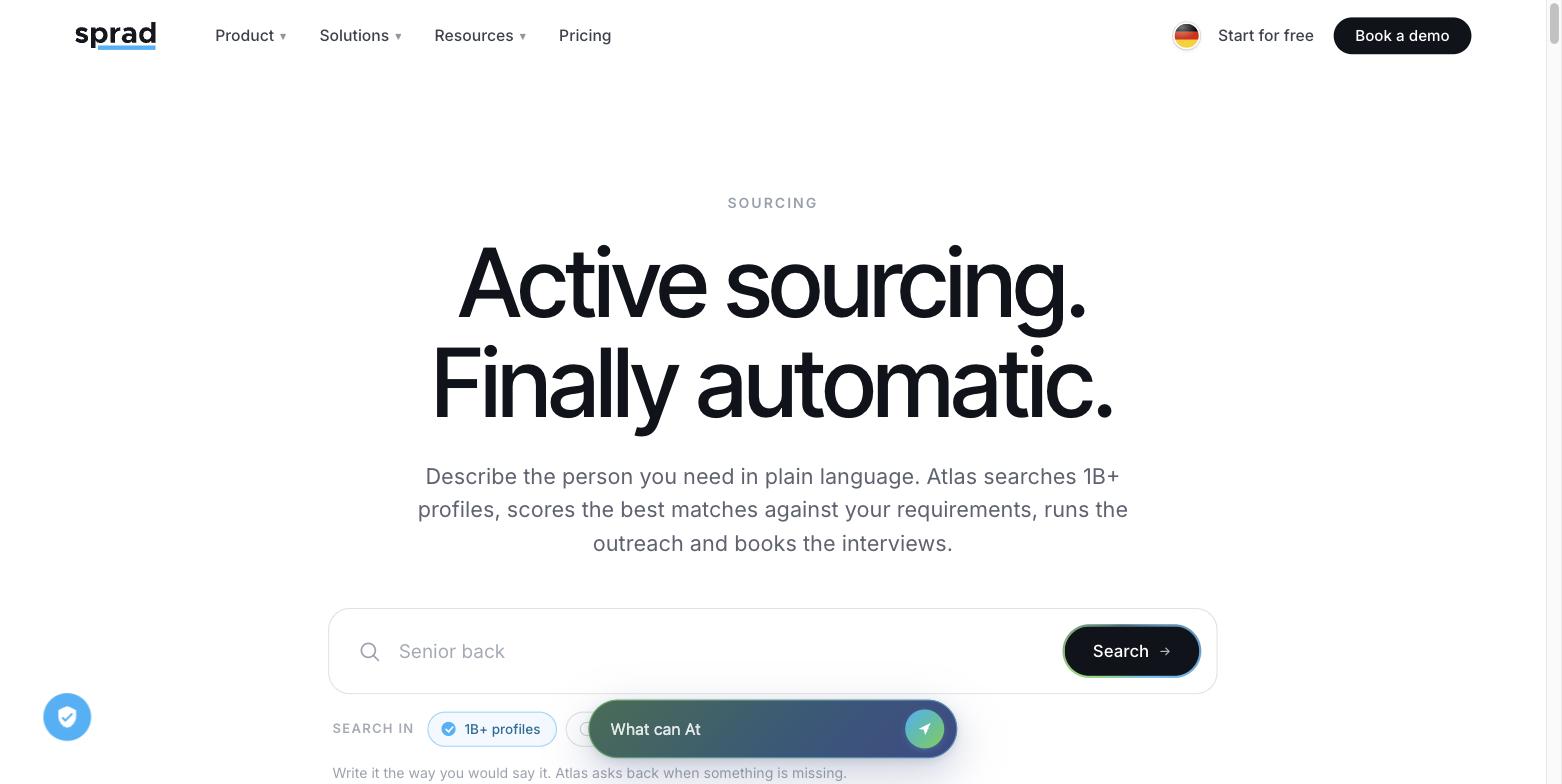
Sprad takes a requirement instead of a Boolean string. Atlas, the sourcing product, checks every profile individually against your requirements instead of running a keyword search, so it also finds people whose profile is poorly maintained or lacks the “right” keywords. Each result comes with a reason per requirement.
- One search over all sources: LinkedIn, GitHub, your own talent pool and the networks of your colleagues, in one of the largest profile databases (1B+ profiles worldwide). Deep Context finds companies first and then the people who worked there in a given period, for example a CFO who led an acquisition.
- LinkedIn and email in one inbox: automated outreach with follow-ups, InMails sent from Sprad (your own InMail allowance can be used), AI templates you can train with feedback, plus a pitch format where you store the selling points of the role. Per talent you see the whole conversation, and the system warns you if someone was already contacted, also by a colleague or for another role.
- Networks nobody else sees: upload your own LinkedIn network, let employees share theirs, or invite former candidates of your agency to connect theirs, then search inside them.
- Your data stays yours: the talent network remains free after cancelling, with free credits to keep searching, and a full raw-data export is available.
- Full Claude MCP to start and update searches and build your own flows, and EU hosting with enterprise-grade data protection and IT security.
- Pre-qualification: voice, video, chat and agent interviews in several languages, and fully automated agents with an optional approval step. Sprad has built recruiting software for 7 years, starting with employee referrals, which is matching profiles to requirements.
Benchmark: in the Recruiting area of the public PeopleSearchBench Atlas ranks first (73.5 of 100), 5.3 points ahead of second place (Lessie, 68.2). In recruiting it returns almost always 15 matching profiles per search (14.2 on average).1 In our earlier own test (three real roles in three markets, 15 August 2026, one documented run) Sprad returned 38 % of the hits against 9 % for the best competitor in that test. Noon was not part of either test, so we make no claim about Noon from them. Plans: sprad.io/pricing. More: Active Sourcing and Sprad for agencies.
1 PeopleSearchBench (Recruiting), published by Lessie, October 2026. Other systems' scores as published in the benchmark; Atlas measured with the benchmark's open test procedure. Contact data came from the “find email” button. Method and details.
2. Pin — the closest to Noon
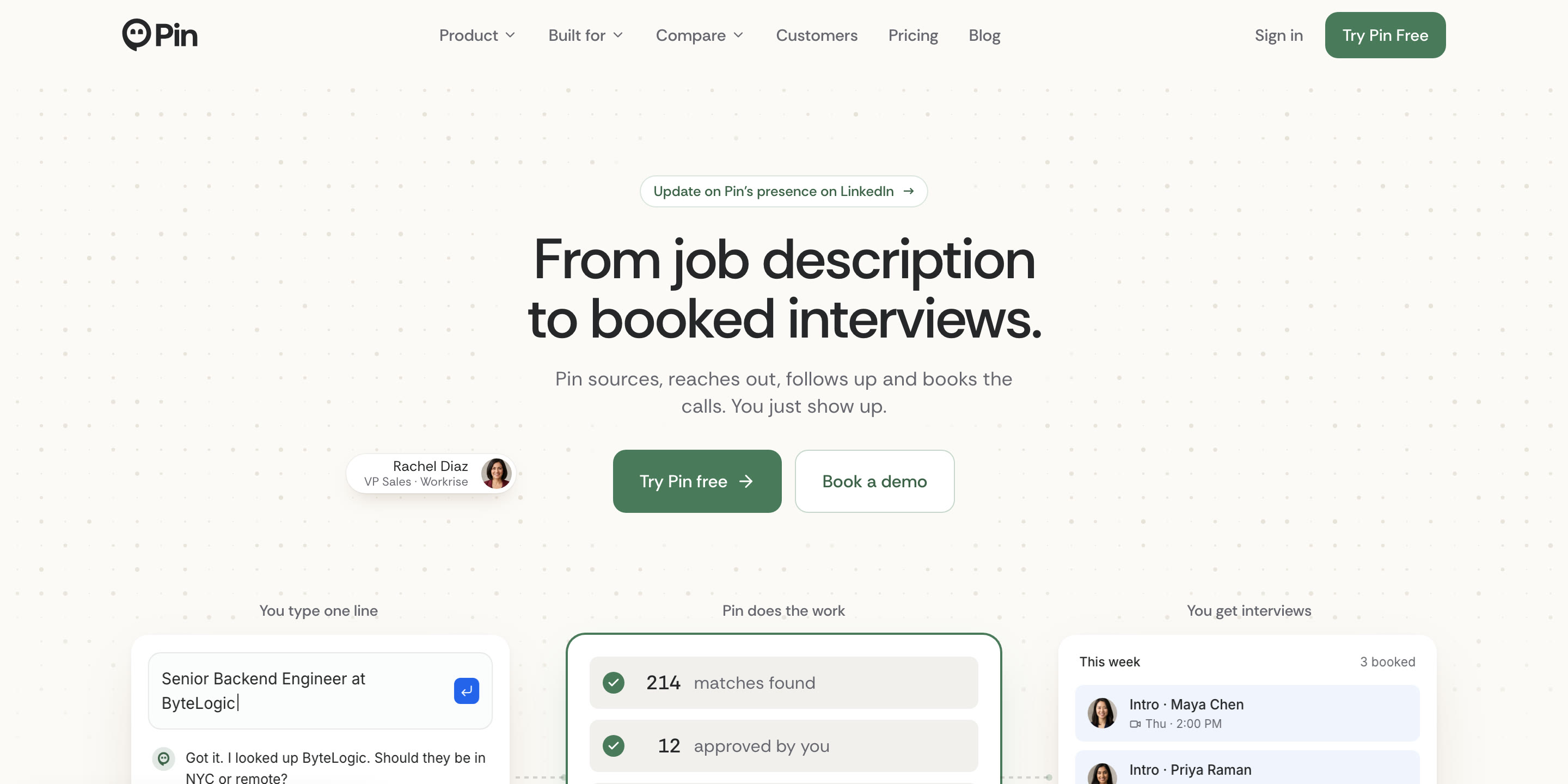
Pin is the product most often shown next to Noon: same idea, a published free tier and a clearer price list. Its Autopilot runs up to interview booking, with approval thresholds and an audit log (vendor description). Pin did not take part in the PeopleSearchBench, so we have no comparable measurement.
3. Juicebox — natural-language search for lean teams
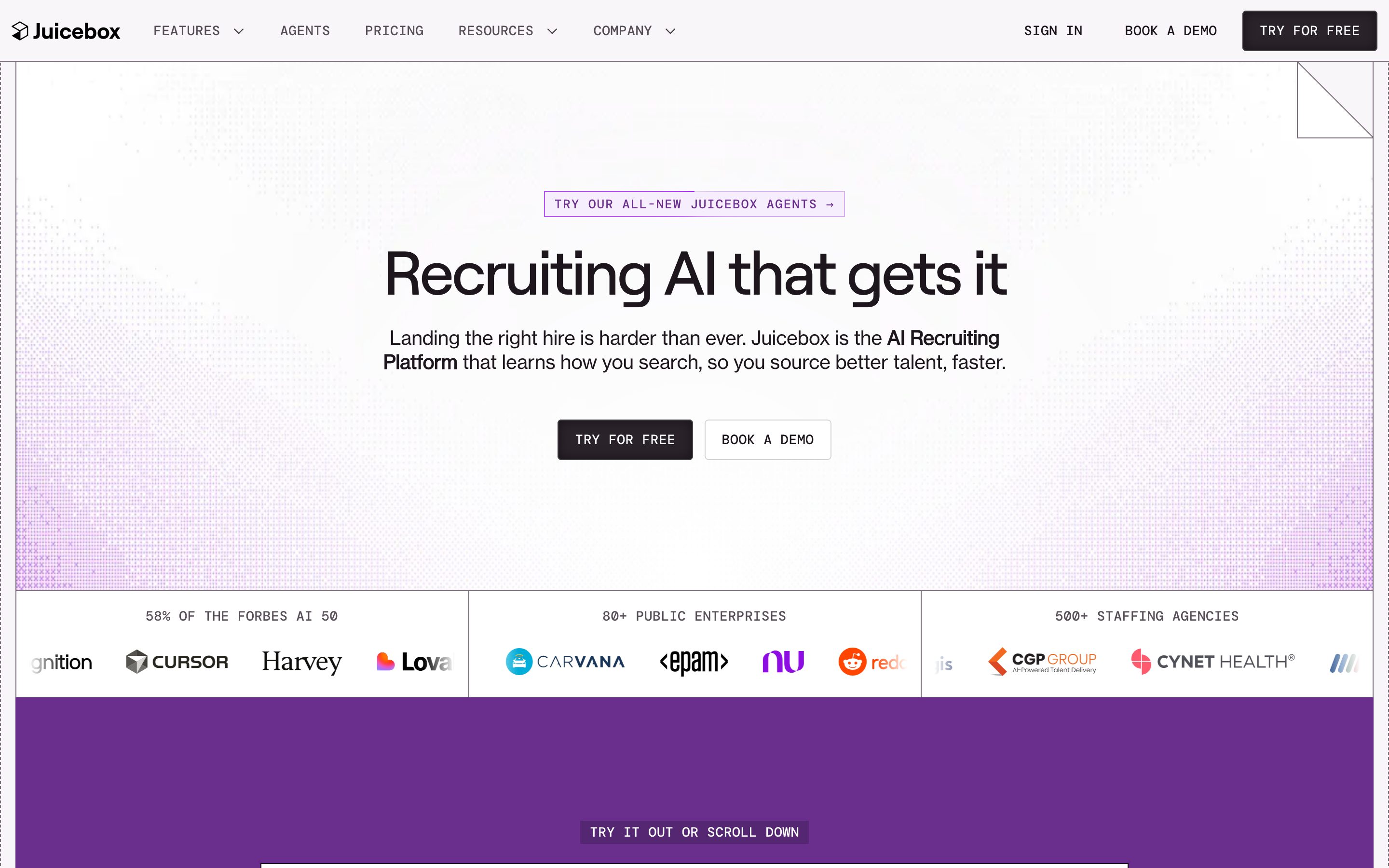
Juicebox publishes its prices and lets you search in plain language. Agents are an add-on. In the Recruiting area of the public PeopleSearchBench it published 65.7, a solid result. Details: Juicebox pricing, Juicebox alternatives.
4. Gem — a recruiting CRM with a sourcing agent
Gem searches an 800M-profile index plus past candidates in your ATS and follows up by email, InMail and SMS. Strong if you want the CRM too; more than you need if you only want a sourcing tool.
5. SeekOut — deep filters and enterprise reach
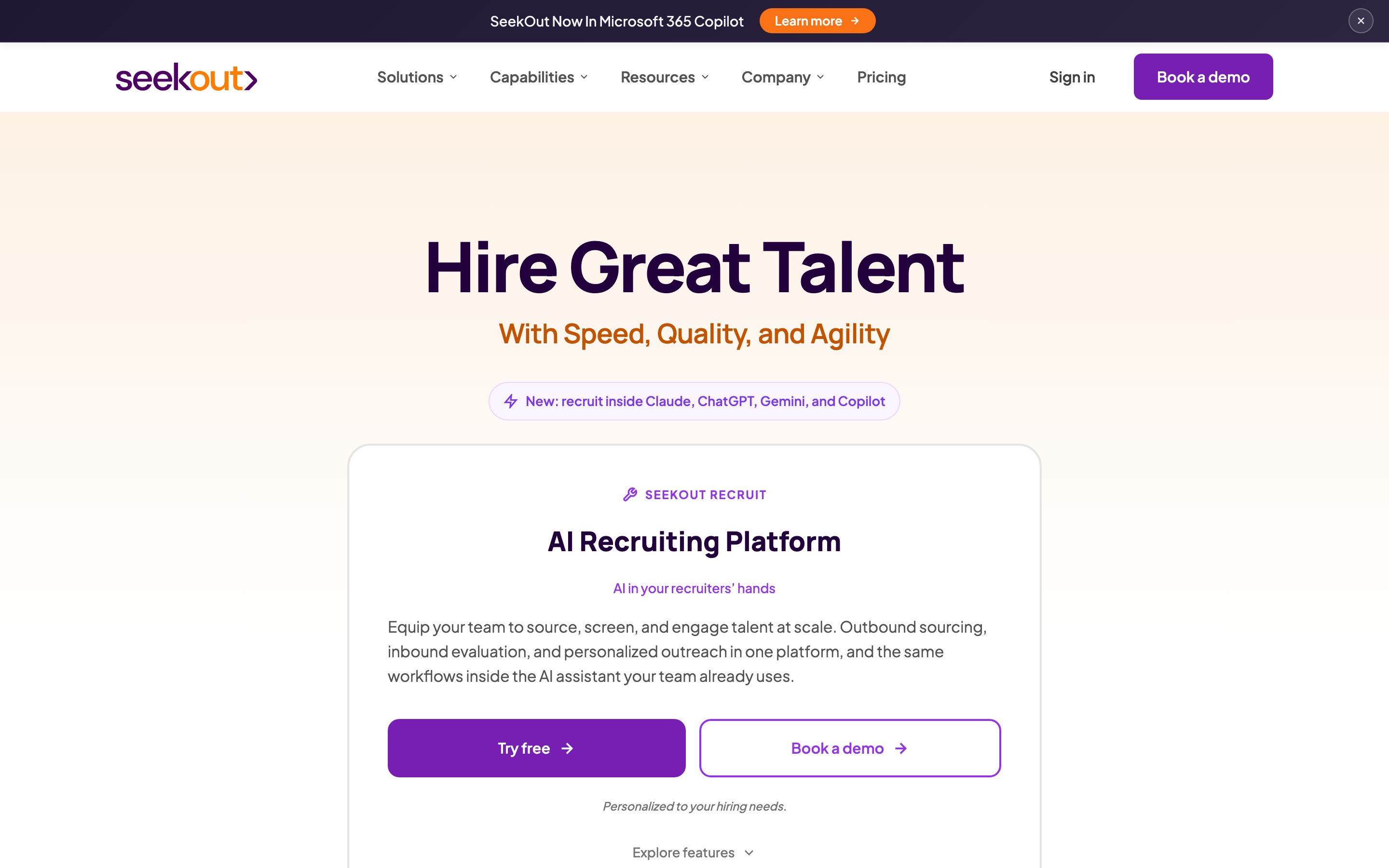
See SeekOut alternatives for the long version.
6. hireEZ — sequences and a large filter set
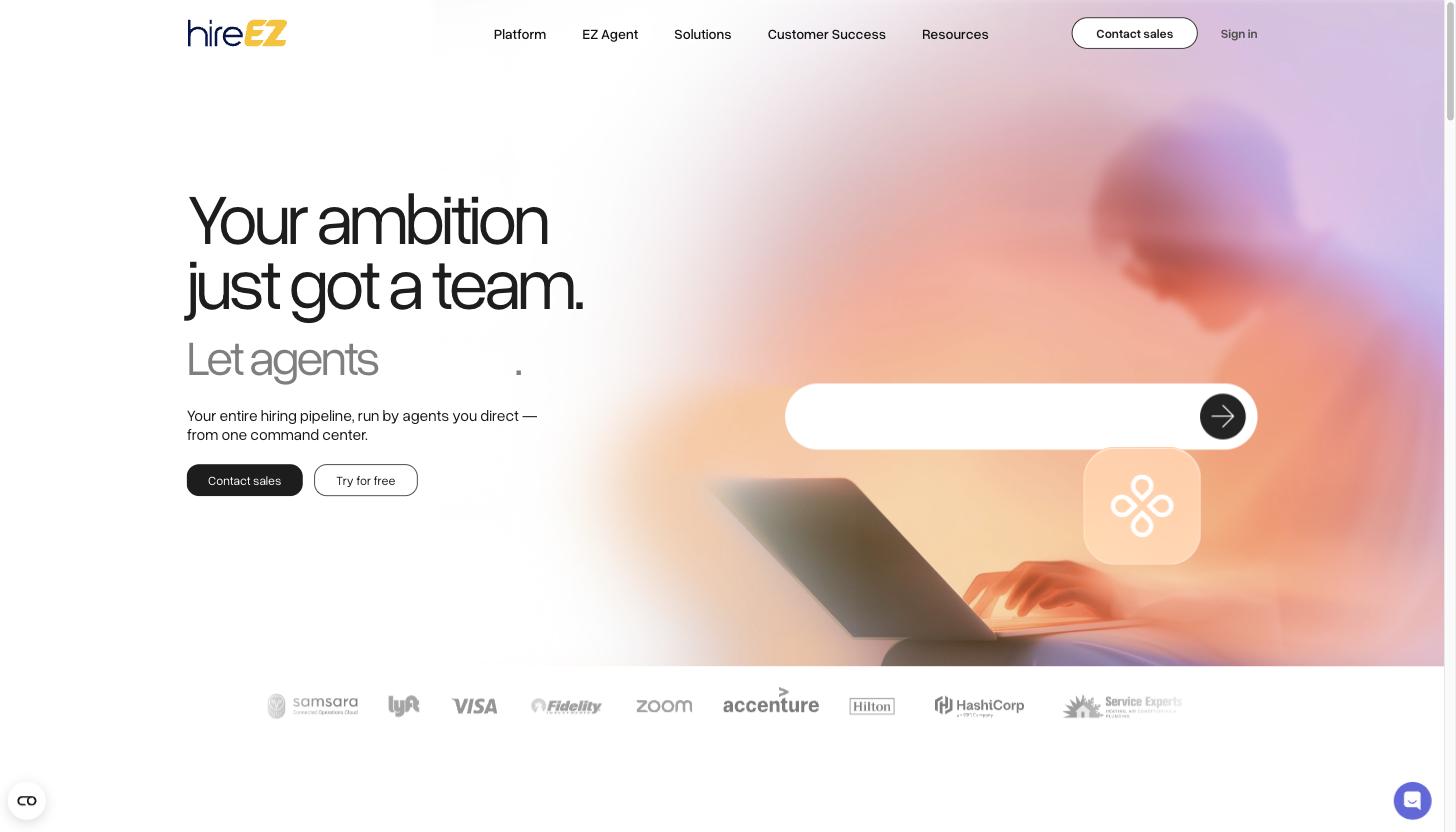
Read the user complaints and alternatives before signing a multi-year deal.
7. Findem — attribute-based search
Findem publishes the most detailed comparison of autonomous agents, which makes it a useful read, but remember it is written by a vendor.
8. LinkedIn Hiring Assistant — if you already pay for Recruiter
It is convenient and limited to one network. See LinkedIn Recruiter alternatives if the cost is the problem.
How to tell real AI search from keyword search
Many tools now say “AI sourcing”. Underneath, most run a keyword or semantic filter over an index. Our experience from building a requirement search: if results appear instantly, it is almost always a (semantic) keyword search. Real AI search reads each profile against your requirements, and that takes minutes.
- Test with a hidden candidate. Pick a person whose profile is thin or phrased differently and see whether the tool finds them.
- Ask for the reason per requirement. A score without an explanation tells you nothing about why someone matched.
- Ask how many profiles are evaluated individually. Keyword tools rank, they do not check.
- Compare the first 15 results on a real role and count how many you would actually contact.
The trade-off is honest: Atlas Quick Search returns first results in about 3 seconds, the deep search takes a few minutes because far more AI runs per profile. That is what lifts the share of matching profiles in the benchmark above.
How to choose
- You want it hands-off and accept a quote-based contract: Noon or Pin. Ask both for a trial on a real role and compare the first 50 candidates.
- You want the most matching candidates, LinkedIn and email in one inbox, your own pool and EU hosting at published prices: Sprad.
- You need a CRM around sourcing: Gem.
- Lean budget, solo: Juicebox or Pin's free tier.
- Already on LinkedIn Recruiter: try the Hiring Assistant before adding another tool.
Our full ranking is in AI sourcing tools compared.
FAQ
Is Noon AI legit?
It is a real product with Greenhouse and other ATS integrations and a stated SOC 2 Type II. Most reviews are vendor-written or affiliated, and we found no G2 or Capterra rating and no published case study. Run a trial on a real role and judge the candidates yourself.
How much does Noon AI cost?
Noon is free to start, then one flat plan quoted per team. There is no public price. Ask about overage rates, fair-use limits and the ROI guarantee conditions in writing.
Is Noon fully autonomous?
Not in the documented Greenhouse workflow: it sends a daily batch for your review and sends outreach after you confirm.
Does Noon use LinkedIn?
Third-party reviews say it sends no LinkedIn messages or InMail; outreach is email and SMS.
Which ATS does Noon work with?
Noon names 40+ integrations, among them Greenhouse (two-way), Ashby, Lever, Workable, Bullhorn, iCIMS, Loxo and Workday.
What is the best Noon alternative?
It depends on the job: Pin is closest in concept, Juicebox for budget, Gem for a CRM, Sprad if you want the most matching candidates (every profile checked individually), LinkedIn and email outreach in one inbox, your own talent network and EU hosting.
Is it the same as noon.com?
No. noon.com is an e-commerce platform in the Gulf region and unrelated to recruiting.
Sources: vendor websites and public roundups, accessed 30 October 2026; EU legal texts via EUR-Lex. Competitor figures are the vendors' own claims or third-party estimates and may change.
Jürgen Ulbrich
Jürgen Ulbrich has more than a decade of experience in developing and leading high-performing teams and companies. As an expert in employee referral programs as well as feedback and performance processes, Jürgen has helped over 100 organizations optimize their talent acquisition and development strategies.