Easygenerator – AI-Powered E-Learning Authoring for Teams
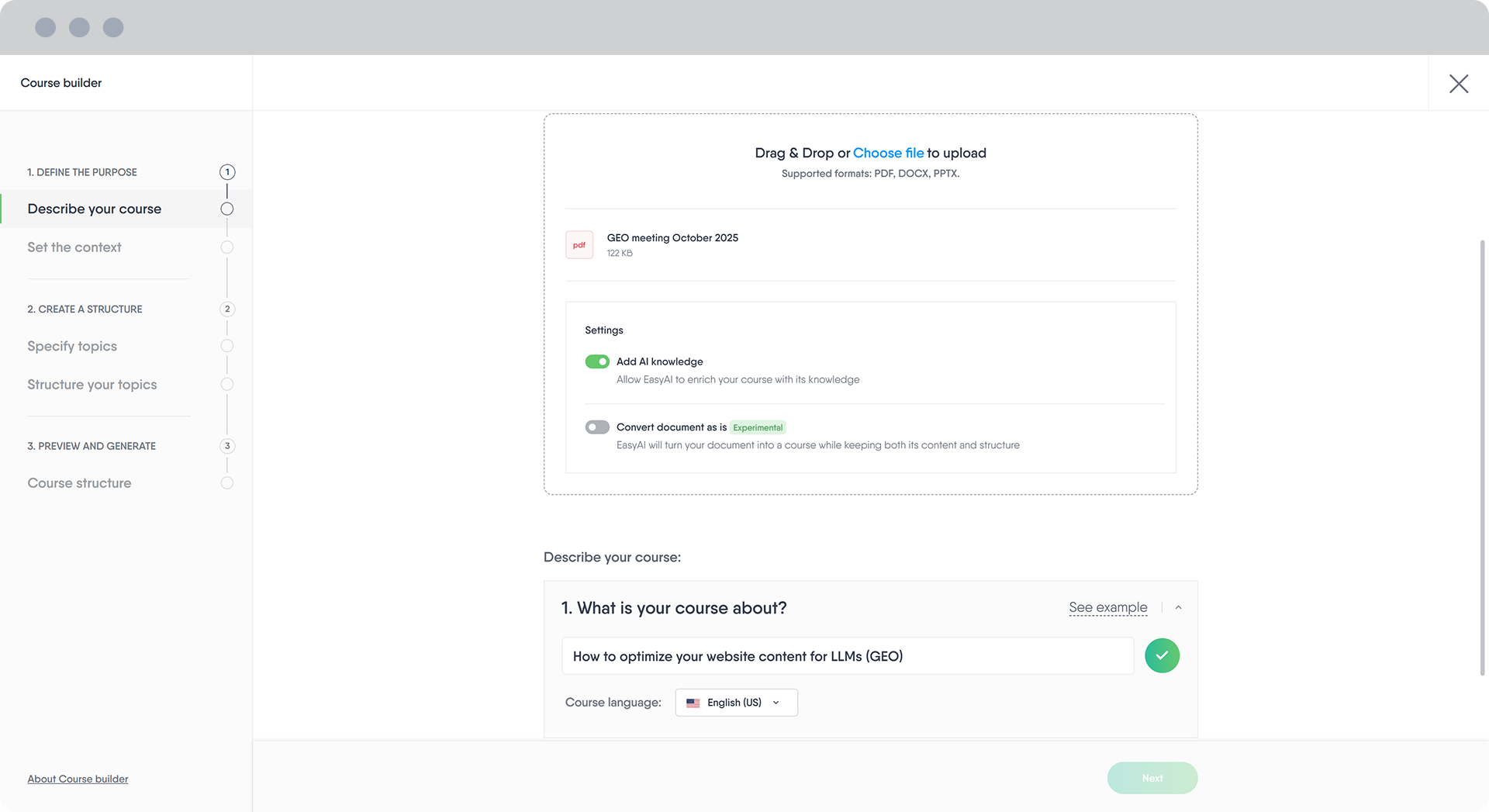
Easygenerator is a cloud-based e-learning authoring platform that enables internal experts and L&D teams to quickly capture, create, and share learning content without external agencies or complex software. The platform is widely used for onboarding, product training, compliance education, customer service enablement, and other internal training needs.
Key Features at a Glance
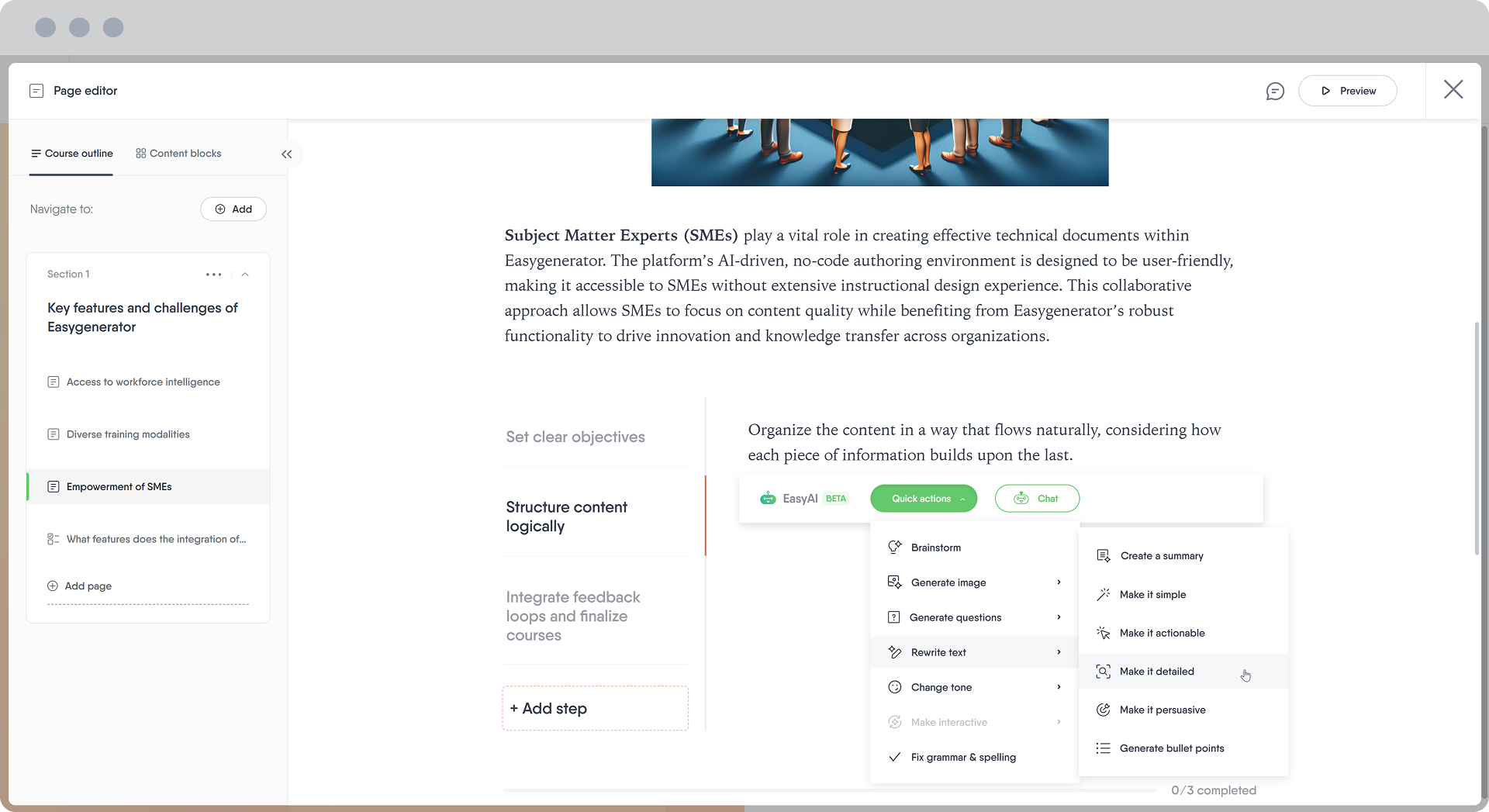
- EasyAI: AI-powered assistant that helps transform documents into structured courses, generate quiz questions, and improve text and visuals.
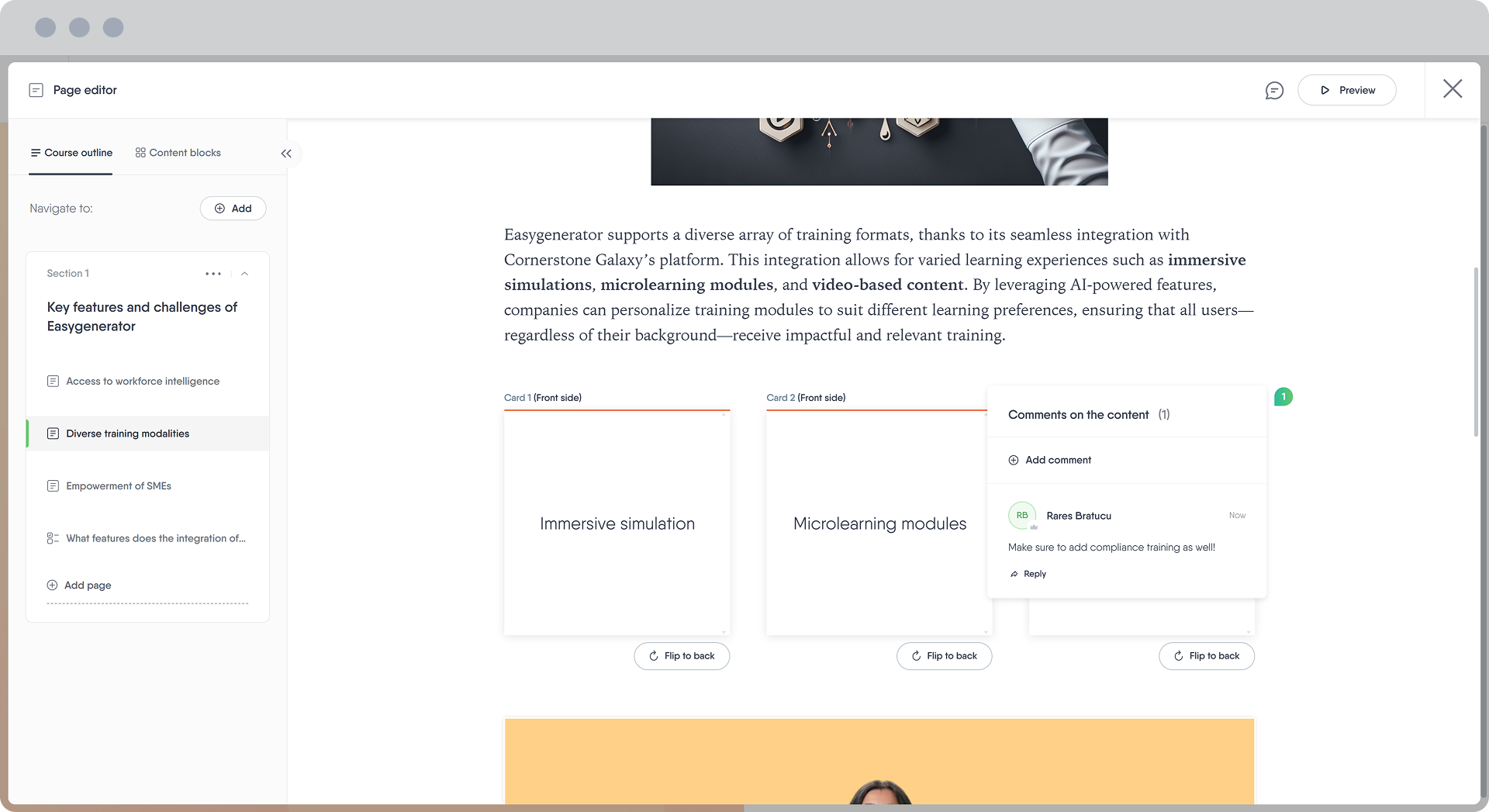
- Course Editor: Intuitive drag-and-drop editor with interactive elements, quizzes, videos, templates, and multimedia support.
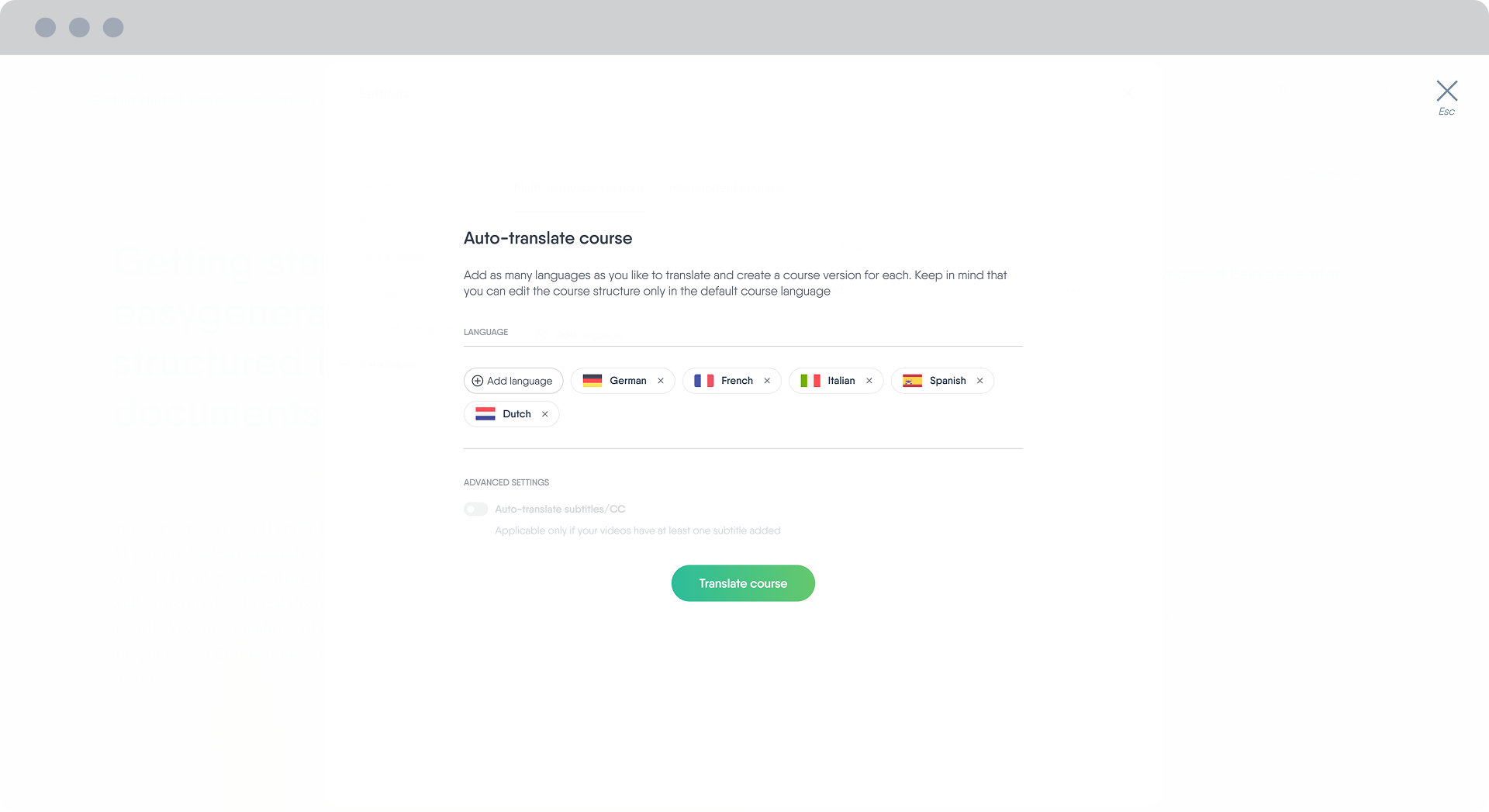
- EasyTranslate: Built-in translation capabilities that allow courses to be localized into more than 75 languages.
- Collaboration: Real-time co-authoring with comments, reviews, and approval workflows for distributed teams.
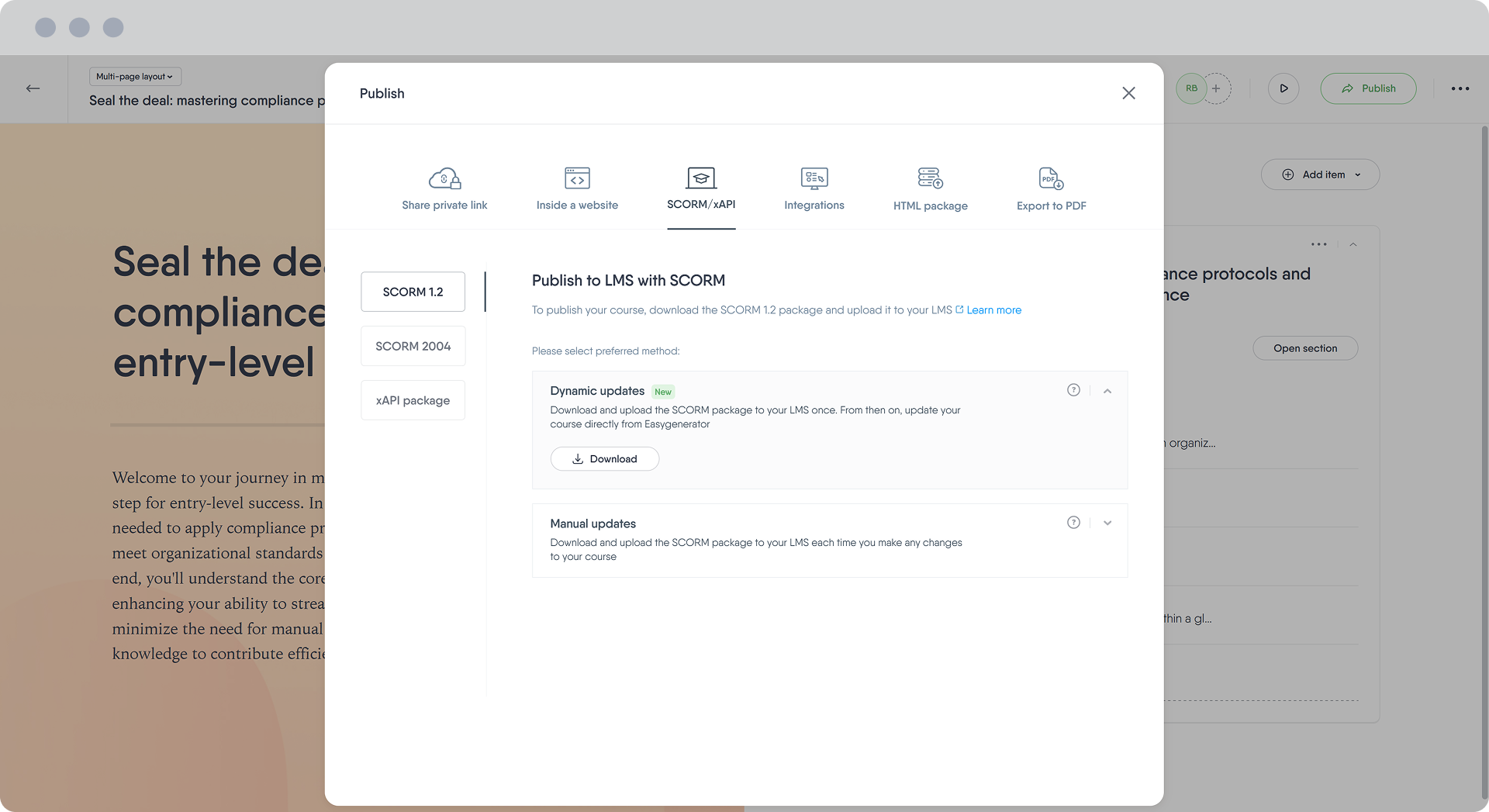
- Distribution Options: SCORM export (dynamic or manual), LMS integrations, private links, PDF export, and embed options.
- Interactive Scenarios: Decision-based learning paths where learners choose actions and see outcomes.
- Interactive Walkthroughs: Step-by-step task simulations for hands-on skill practice.
- Support & Coaching: Live support during the workweek in multiple languages with customer success guidance.
Why People Choose Easygenerator
Easygenerator is known for its ease of use, fast content production, and AI-assisted workflows that allow subject matter experts to create learning content without technical or instructional design expertise. Its browser-based approach eliminates installation requirements, and SCORM compatibility supports broad LMS integration. Reviewers frequently praise the intuitive interface and responsive support offered by the platform.
Strengths
- Highly intuitive user interface suitable for non-technical course creators.
- AI-assisted tools accelerate course development from existing materials.
- Real-time collaboration features facilitate teamwork across departments.
- Built-in translation for global content rollout.
- Multiple export and distribution options for flexible delivery.
- Strong customer satisfaction reported by users.
Limitations
- Designed for rapid creation of general training content; advanced instructional design features are limited compared to professional authoring suites.
- Reporting and analytics provide basic insights and may not meet advanced analytic needs.
- Custom branding and deeper visual design options are less extensive than high-end tools.
- As a cloud-based solution, an active internet connection is required.
Good Fit For
Easygenerator is ideal for L&D teams, HR professionals, and internal subject matter experts who want to rapidly create and scale learning content, especially for organizations that value simplicity, collaboration, and multilingual support over complex design requirements.