Boolean search in recruiting means combining keywords with the operators AND, OR and NOT, quotation marks and parentheses to filter candidate profiles, for example ("backend engineer" OR "software engineer") AND Go NOT junior. It is precise, reproducible and works best for hard constraints, but it only finds people who use your words. Requirement search, the alternative, reads a plain-language role description against full profiles and also finds people who never typed your keywords. Most teams do best with both: broad discovery first, Boolean for the non-negotiables.
Below you will find the operators, a step-by-step build, three copy-ready example strings, the typical mistakes, and what happened when we ran the same roles through Boolean-style filters and requirement search.
Boolean operators in recruiting: the cheat sheet
| Operator | What it does | Example | Watch out |
|---|---|---|---|
| AND | Both terms must appear | Java AND Kubernetes | Each AND narrows the pool |
| OR | Either term is enough | ("product manager" OR "product owner") | Always put OR groups in parentheses |
| NOT | Excludes a term | NOT junior | Can remove people you want, e.g. NOT manager also drops "product manager" |
| "…" | Exact phrase | "data engineer" | Without quotes the words are matched separately |
| ( ) | Controls the order | (Go OR Golang) AND Berlin | Many platforms evaluate AND before OR, so missing parentheses change the result |
| * | Wildcard for word stems | develop* | Not supported on every platform |
| site: / intitle: | Google operators for "X-ray" search of public pages | site:example.com intitle:"team" | Google documents these in its search help; results vary by index |
Operator support differs by platform, in capitalisation, wildcards, length limits and how NOT and parentheses are handled. Google's own operators are documented in the Google Search Help on refining searches (checked 30 October 2026). Test every string on the platform where you will use it.
How to build a Boolean string step by step
- Brief the role in one sentence and pick 3 to 5 must-haves. Everything else is a "nice to have" and stays out of the string.
- List synonyms for the job title. People call the same job different things: "backend engineer", "backend developer", "software engineer".
- Put synonyms inside one OR group, join the groups with AND. Structure: (titles) AND (core skill or its alias) AND (location).
- Add exclusions last, and only the ones you are sure about. NOT (junior OR intern OR trainee) is safe, NOT manager is not.
- Test small. As a rule of thumb: far too few results means too many AND groups, far too many means a missing must-have. Change one thing at a time.
- Save the string with a date. Boolean's real strength is a reproducible, auditable trail; write down which string produced which shortlist.
Three Boolean string examples you can copy
| Role | String |
|---|---|
| Senior backend engineer, Berlin | ("backend engineer" OR "backend developer" OR "software engineer") AND (Go OR Golang) AND Kubernetes AND (Berlin OR Brandenburg) NOT (junior OR intern OR trainee) |
| Senior product manager, London | ("product manager" OR "senior product manager" OR "head of product") AND (B2B OR SaaS) AND London NOT (marketing OR "project manager") |
| Intensive care nurse, Munich (German profiles) | (Pflegefachkraft OR "Gesundheits- und Krankenpfleger*") AND (Intensiv* OR Anästhesie) AND (München OR Bayern) |
The first string is about 160 characters and already has three title variants, two skill spellings and three exclusions. Add a second skill alias and a second city and you quickly multiply the combinations the platform has to evaluate, which is where length caps and unexpected results start.
Typical Boolean mistakes
- Missing parentheses: "Go OR Golang AND Berlin" is not "(Go OR Golang) AND Berlin".
- Searching titles instead of work: a title string misses the person who led the migration but is called "platform lead".
- Over-eager NOT: one excluded word silently removes good candidates; check a sample of what NOT removed.
- Copying a string to another platform unchanged: wildcard and length behaviour differ, so the same string returns a different pool.
- Treating the result as complete: you only see profiles that contain your words.
Boolean search on LinkedIn, XING and Google: what to know
The same string behaves differently on a professional network, a regional network such as XING, a job board and Google. Check the platform's own help for wildcards, length limits and parentheses before you reuse a string. Google X-ray search (site: plus Boolean terms) searches public pages, not the network's own index, so coverage depends on what Google has indexed.
Searching public profiles still processes personal data. Under GDPR Article 14 you must inform people you have found this way, in general within one month of obtaining their data (Art. 14(3)(a)), and you need a legal basis such as legitimate interest under Art. 6(1)(f). This applies to Boolean and requirement search alike (EUR-Lex, checked 30 October 2026).
Where it breaks down
The precision is also the limit. Boolean logic is only as good as the vocabulary of the people you're searching for, and job titles are messier than search strings assume — a candidate who led a cloud migration for a 200-person engineering org may never have typed "DevOps" or "senior" anywhere on their profile, so a string built around those two words never sees them. On top of that, the platforms add their own friction.
According to a breakdown published by a recruiting-tech blog, the leading professional network doesn't support wildcards, requires every operator in uppercase, and caps Boolean strings at roughly 2,000 characters — while Indeed's handling of NOT and parentheses produces inconsistent results, forcing recruiters to rebuild the same logic differently on every platform. The same source notes a familiar plateau: after building a third "perfect" string, most recruiters keep surfacing the same 80% of already-sourced candidates, because Boolean searches profile by profile instead of reasoning about what a profile means.
- Vocabulary mismatch: a real skill described in different words than the ones in your string is invisible to it.
- Platform limits: no wildcards and mandatory uppercase operators on the leading professional network, a roughly 2,000-character cap, inconsistent NOT/parentheses handling on other job boards.
- One string per platform: a working Boolean string has to be rebuilt from scratch for a different job board, a European professional network, or an ATS's own search.
- Diminishing returns: refining the string mostly reorders the same pool instead of widening it.
What requirement search does instead
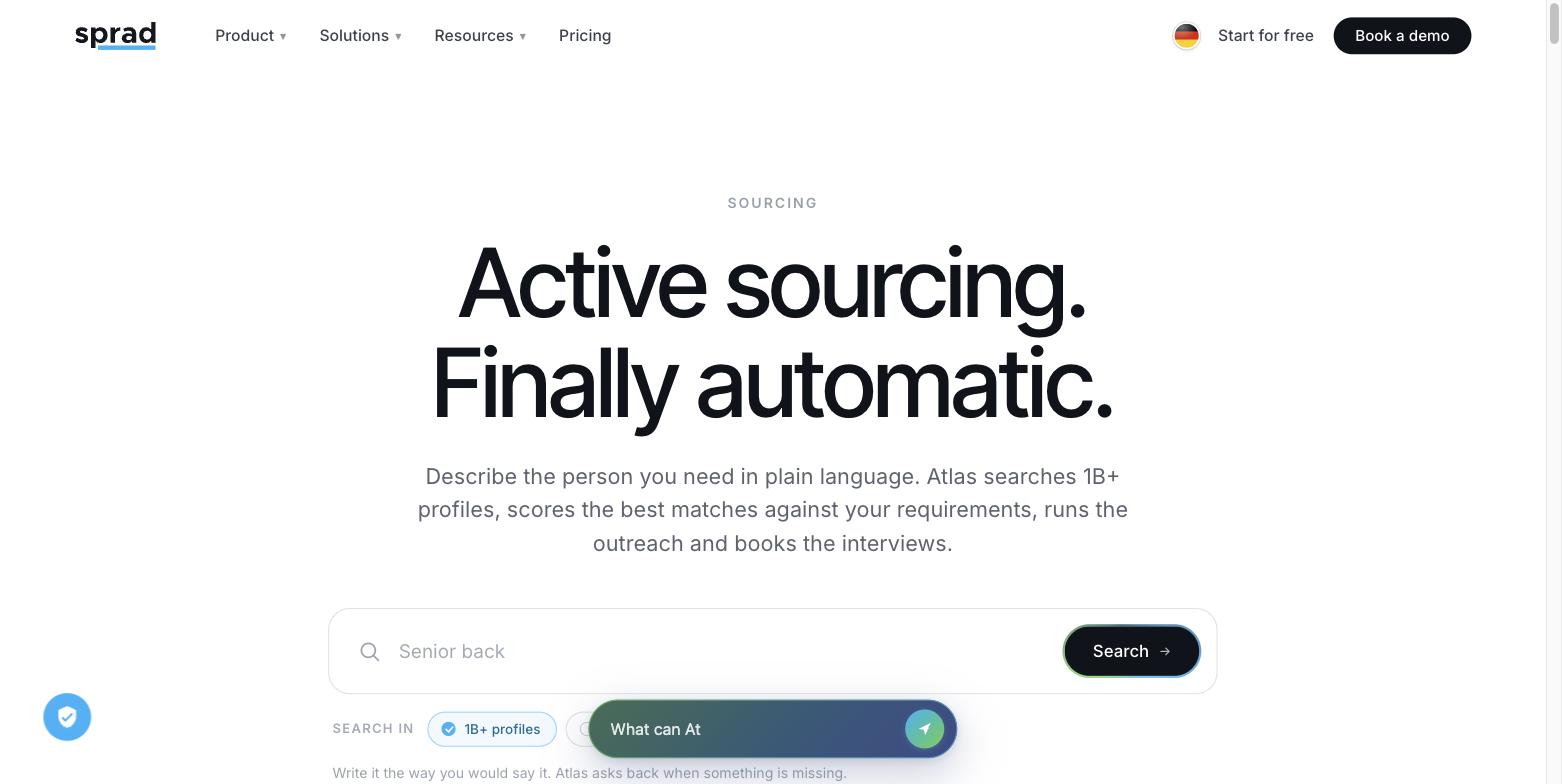
Requirement search takes a plain-language description of the role — the way you'd brief a colleague, not a database — and evaluates full candidate profiles against it, criterion by criterion, instead of matching on keywords alone. Some natural-language sourcing tools are built explicitly around this idea, marketing themselves as a Boolean replacement: describe the role in a sentence, get matches, without building a string first. Sprad's requirement search works the same way over more than a billion profiles worldwide — LinkedIn, XING, GitHub and your own pool in one search: you describe the role once, and every profile is checked against each of your criteria individually, with a note on why it did or didn't qualify — so a candidate who calls their cloud work "infrastructure modernization" still surfaces, because the system is reasoning about the work, not scanning for two specific words.
How to tell real AI search from keyword search: if results appear instantly, it is almost always a (semantic) keyword search. A real profile-by-profile check takes longer — Sprad's quick search shows first results in about 3 seconds, the deep search needs a few minutes because far more AI runs per profile.
For a tool-by-tool breakdown of the natural-language camp, see our natural-language sourcing tools comparison.
We ran three roles both ways
This isn't a hypothetical. In the public PeopleSearchBench (119 real search tasks across recruiting, B2B, expert and influencer searches), Atlas leads in recruiting and ranks 2nd of 5 overall, clearly ahead of Juicebox (45.8 published). That is our own re-measurement with identical prompts, converted to the published scale — a strong indication, not an official result.
An own test in August 2026 pointed the same way: it put the same three open roles through five systems: Atlas's requirement search, three other free-text sourcing tools, and one filter-based system with no free-text search of its own — its criteria were translated into filters instead, the closest real-world equivalent to a Boolean/keyword approach. The systems are named individually in the table below.
The reference set for each role is the union of everything the other systems found, deduplicated; a system is never measured against its own results. In total, 218 profiles were reviewed across three roles: a Senior Backend Engineer in Berlin, a Senior Product Manager in London, and a Process Integration Engineer in Eindhoven.
| System | Search approach | Share of the other systems' finds |
|---|---|---|
| Atlas (Sprad) | Free-text requirement search | 38% |
| Juicebox | Free-text (NLP) | 9% |
| Metaview | Free-text | 5% |
| LinkedIn Sales Navigator | Filters (same criteria, no free text) | 3% |
| PIN | Free-text | 0% |
Atlas covered 38% of everything the other four systems found combined — roughly four times the next-best result. That doesn't mean the other systems are worthless: the honest reading is that the majority of profiles in the reference set were found by no system at all. The gap between approaches is real, and so is the gap to complete coverage.
The ASML case: one filter query, one narrow answer
The clearest illustration sits in the Eindhoven role. The filter-based system found 18 of its 19 hits at a single employer, ASML — the obvious, keyword-matching answer for "process integration engineer" in that region. Atlas and the natural-language tools, reasoning from the requirement rather than an employer name, surfaced the semiconductor supplier ecosystem around it instead: NXP, SMART Photonics, Xiver, Ampleon.
Both answers are defensible. They're simply different slices of the same labour market — and it's exactly the kind of adjacent-company blind spot that filter- and keyword-based search tends to create, because the most obvious keyword match crowds out everything described in less obvious terms.
The hybrid workflow: the same role, brief plus filter
Here is how the Berlin role from the string above looks in Sprad. The requirement search gets a brief such as: "Senior backend engineer in Berlin, 5+ years of production Go, has run services on Kubernetes, has led or mentored a small team." Each profile is checked against every criterion, with a reason. Afterwards a precise filter keeps the non-negotiables, for example the city or a mandatory certification. You get the breadth of requirement search and the auditability of Boolean, and you no longer maintain synonym lists by hand.
Note on regulation: AI systems that rank or filter candidates are high-risk systems under Annex III of the EU AI Act. Those obligations apply from 2 December 2027 (Regulation (EU) 2026/1744, Digital Omnibus, in force since 27 July 2026). A plain Boolean string is not AI, but the decision about a person should stay with a human in both approaches.
When Boolean still earns its keep
None of this makes Boolean obsolete. A 2026 playbook published by a recruiting industry blog argues for a hybrid: Boolean still wins on hard constraints (an exact certification, a specific security clearance, a named employer), inside controlled databases with consistent fields such as your own ATS, and wherever a search needs to be reproducible and auditable. For the broader Boolean-versus-natural-language question across sourcing methods generally, see our companion piece on Boolean search vs. natural language in recruiting — this article focuses specifically on the measured gap against requirement search.
Its own conclusion is blunt about both failure modes: "Teams that use only Boolean usually miss candidates due to wording mismatch. Teams that use only semantic can drift too broad for tight requirements." The practical read is that Boolean is a precision filter you apply after discovery, not the discovery step itself.
A quick way to decide
- Standard title, high volume, well-known market: Boolean search on a mainstream professional network works fine — the vocabulary is predictable.
- Scarce, cross-functional, or described differently company to company (the Eindhoven pattern): requirement search finds the adjacent pool a keyword string misses.
- A hard, non-negotiable constraint (licence, clearance, a named list of employers): keep it as a Boolean filter on top of whatever finds the candidates first.
- You need a reproducible, auditable search trail: Boolean's transparency still matters for compliance-sensitive processes.
What it actually costs to try
With Sprad you can start free (100 credits a month, 200 in the first month), and requirement search runs on credits rather than a seat licence: a web search costs 2 credits per profile shown, within a budget of 50, 100 or 300 credits per run. For regular sourcing there are flat seats instead — Recruiter Lite at 79 € per seat and month, Atlas Recruiter at 299 € — with flexible credits on top.
That's a materially different economics than a Boolean-only seat licence charged whether or not the string finds anyone.
FAQ
What is Boolean search in recruiting?
A method of combining keywords with the operators AND, OR and NOT, quotation marks and parentheses to filter candidate profiles on a network, job board, ATS or Google. It gives exact, reproducible control but only finds profiles that contain your words.
What are the main Boolean operators?
AND (both terms), OR (either term), NOT (exclude), quotation marks (exact phrase), parentheses (order of evaluation) and, where supported, the wildcard *. See the cheat sheet above.
Is Boolean search dead?
No. It is still the right tool for hard constraints, controlled databases such as your ATS, and audit trails. It is the wrong tool as your only discovery method, because it can only find people who describe themselves the way your string expects.
What exactly is "requirement search"?
A search method that takes a plain-language role description and checks it against full candidate profiles criterion by criterion, instead of matching keywords. Sprad's Atlas and other natural-language sourcing tools are both built around this idea, though they draw from different data sources.
Is Boolean search legal under GDPR?
Searching is not forbidden, but storing and contacting people you found requires a legal basis (often legitimate interest, Art. 6(1)(f)) and an information notice under Art. 14 GDPR, in general within one month. This is a general overview, not legal advice.
Can ChatGPT or another AI write Boolean strings?
Yes, as a starting draft. Check parentheses, NOT terms and platform limits yourself, because an AI-written string can look right and still exclude the wrong people. A requirement search skips the string step entirely.
Do I need to give up LinkedIn to use requirement search?
No. The benchmark shows LinkedIn and requirement-search tools surface largely different, complementary people. Sprad searches LinkedIn, XING, GitHub and your own pool in one search.
Does requirement search work for niche or blue-collar roles, not just tech?
The three benchmark roles were engineering, product and process-engineering positions, all knowledge-work roles. The underlying logic applies more broadly, but it has not been benchmarked outside that set.
How much does a first requirement search in Sprad cost?
A web search costs 2 credits per profile shown, within a budget of 50, 100 or 300 credits per run. The free plan includes 100 credits a month (200 in the first month), enough for a first search of 20 to 30 profiles (price list as of 29 October 2026).
The bigger picture
Renting a Boolean-only seat means renting a tool that only finds candidates who use your words. Sprad's requirement search reads the role instead of the string, runs across more than a billion external profiles, and stays inside a talent pool your agency keeps — not one you rebuild every time a licence lapses. Outreach runs on LinkedIn (including InMail) and email in one inbox, with AI templates and automated follow-ups, and your data stays yours, with a full raw-data export. Sourcing is only half the job, though: finding the right people means little if you're pitching the client too late — see how agencies use job signals to win the mandate in the first place.
Start free with 100 credits a month (200 in the first month), no card required, at sprad.io/industry/recruitment-agencies.
Jürgen Ulbrich
Jürgen Ulbrich has more than a decade of experience in developing and leading high-performing teams and companies. As an expert in employee referral programs as well as feedback and performance processes, Jürgen has helped over 100 organizations optimize their talent acquisition and development strategies.