AI people search is a way to find candidates by describing the person you need in plain language: the software searches several sources, checks the profiles against your requirements and returns a ranked list instead of matching keywords. How good it is depends on one thing: whether every profile is actually checked or only matched on words. If results appear instantly, it is almost always a (semantic) keyword search; a per-profile AI check takes seconds to minutes. Below you get the kinds of tools, a six-step method with a worked cost example, a benchmark overview, the typical mistakes and the legal basics for the EU and the US.
What does “AI people search” mean in practice?
You write what you would tell a colleague (“Head of Finance who has led an acquisition at a company with 200 to 500 employees”), and the tool turns that into a search. Behind the same label sit four very different mechanisms, and they explain most of the differences in result quality:
| Kind | How it works | Speed | Typical weakness |
|---|---|---|---|
| 1. Filter and Boolean search | Keywords and operators on one database | Instant | Finds only people who wrote your words |
| 2. Semantic search | Matches the meaning of the query to profile text, ranks by similarity | Instant to seconds | Similarity is not proof: a profile that mentions “M&A” is not necessarily someone who ran a deal |
| 3. Per-profile AI check (Sprad) | An AI reads each candidate profile against each requirement and gives a reason | About 3 seconds for Quick Search, a few minutes for a deep search | Slower and costs more AI work per profile |
| 4. Autonomous agents | Search, outreach and follow-up run unattended, often with approval steps | Runs in the background | Only as good as the search underneath; check the approval step |
Our rule of thumb from seven years of building recruiting software, starting with employee referrals where matching profiles to requirements is the core problem: if the results appear instantly, it is almost always a (semantic) keyword search. That is not bad, it is just a different tool. It is the reason why the same query returns very different lists in different products.
How do I run an AI people search step by step?

- Write 3 to 5 must-haves as sentences. Not “CFO, M&A”, but what the person must have done, and in which context. Add the time frame if it matters (during an acquisition, between Series A and B).
- Choose all relevant sources. In the DACH region that means XING next to LinkedIn; for engineers GitHub; and always your own talent pool, because a past applicant is cheaper than a new contact.
- Test the wording with a quick run. Read the first ten profiles. If three are wrong in the same way, your wording is the problem, not the tool.
- Run the deep search and read the reason per profile. A good tool shows for each requirement why a person qualifies. Keep that column; it is your audit trail.
- Get contact data only for the shortlist and contact by LinkedIn and email together, from one inbox so nobody is approached twice.
- Save good profiles in your talent network and note which wording worked. The next search starts from there.
A worked cost example
Assume you want a shortlist of 15 profiles for a Head of Finance. On Sprad, a web search costs 2 credits per displayed profile, never more than the budget you set (Quick 50, Normal 100, Deep 300 credits, i.e. up to 25, 50 or 150 profiles). Finding a verified business email costs 1 credit, and you only pay when one is found. So: 15 profiles × 2 = 30 credits, plus 15 emails × 1 = 15 credits, 45 credits in total, about 4.50 € at the list price of 0.10 € per credit (4.05 € with Atlas Base at 0.09 €; net, October 2026). The free plan includes 100 credits a month, so two such shortlists are free.
Flat or credits? At 4.50 € per shortlist, a Recruiter Lite seat (79 € per month, about 95 $) breaks even at roughly 17 shortlists a month under these assumptions; below that, credits are cheaper, above it the seat is. Atlas Recruiter (299 € per seat and month, about 359 $) adds unlimited searches within fair use and deep search in every level. Prices from the Sprad pricing page; see AI sourcing pricing: seats, credits or per hire for the full comparison.
Which tools or templates help?
Match the kind of tool to your search. A hard rule such as a licence or a location is best handled with an explicit filter; open requirements such as “has built a team from 5 to 40” need a per-profile check. Many teams combine both, and a wider comparison is in The 9 best active sourcing tools.
| What you need | Better choice | Why |
|---|---|---|
| Hard criteria (licence, location) | Filter or Boolean | Exact, repeatable, transparent |
| Open requirements, poorly kept profiles | Per-profile AI check | Reads the whole profile, finds people without your keywords |
| Time-bound experience (CFO during a merger) | Deep-context search (Sprad) | Finds companies first, then people who worked there in that period |
| High volume, little time | Agents with approval | Outreach and follow-ups run on their own, you approve |
| Own network and past candidates | Talent pool plus network search (Sprad) | Your connections and former candidates are searched too |
Eight questions to ask any vendor: (1) Is every profile checked individually, or matched on text? (2) Do I see a reason per requirement? (3) Which sources are searched: LinkedIn, XING, GitHub, my own pool? (4) What does a deep search cost, and what happens when credits run out? (5) Are email and LinkedIn outreach in one inbox with a warning for double contact? (6) Can I export all data, and what happens after cancellation? (7) Where is the data hosted? (8) Is there an independent benchmark, and what are its limits?
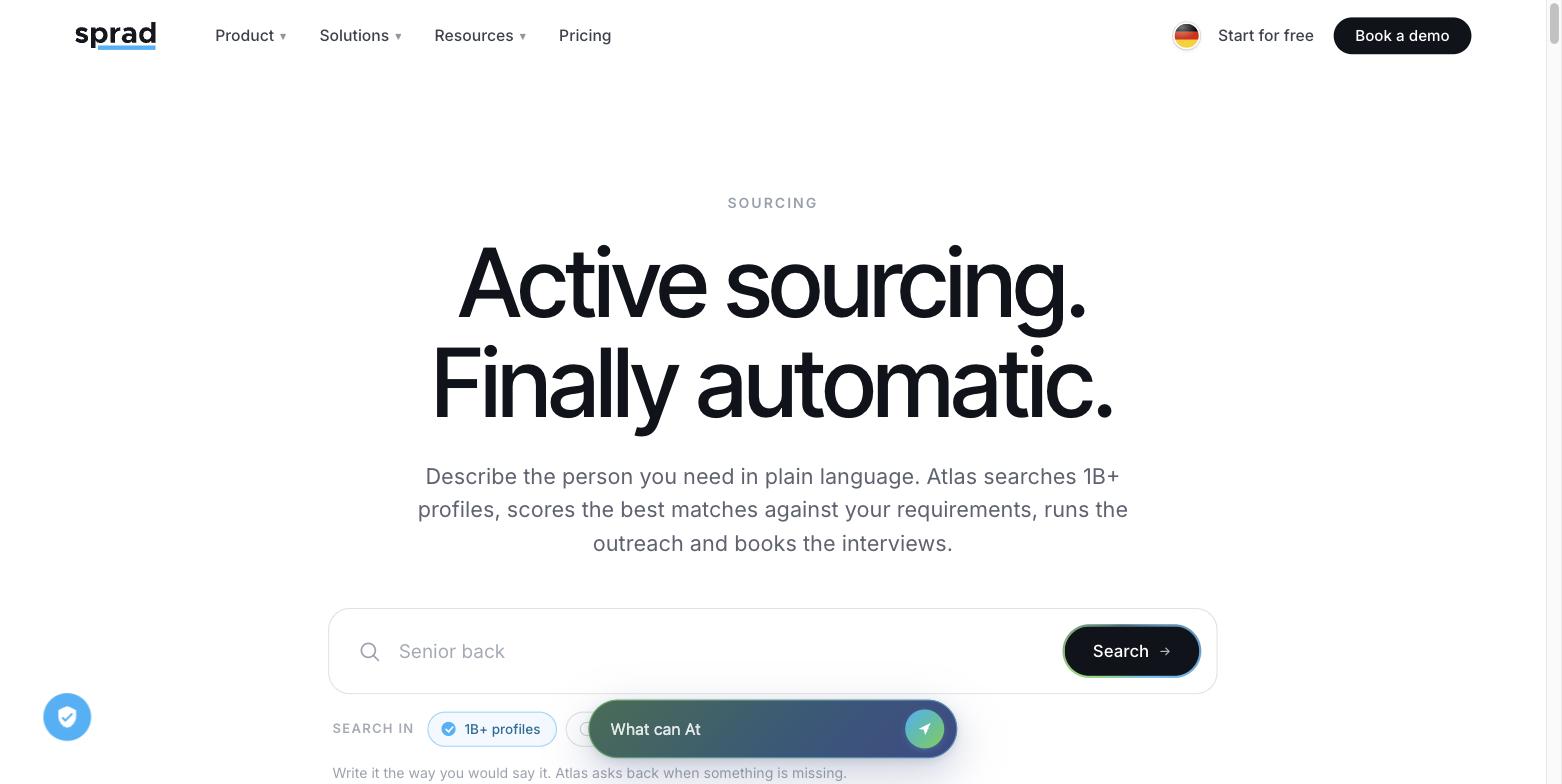
Sprad searches LinkedIn, XING, GitHub and your own talent pool in one go, and its database covers more than 1 billion profiles worldwide. It also offers voice, chat and agent pre-qualification, and WhatsApp for talking to candidates. Honest limits: a deep search takes a few minutes, there is no AI call notetaker and no placement reporting yet, no SMS channel, and the client CRM for agencies is still in beta. More in Sprad Active Sourcing.
What does the benchmark say?
The only open comparison of AI people search platforms is the PeopleSearchBench (119 real search tasks, four domains, criteria-grounded verification with live web checks, agreement with human annotators Cohen's kappa 0.84). In the recruiting area, our own re-measurement, converted to the published scale, puts Atlas at 73.5 points, with 14.2 of 15 returned profiles relevant on average.1 Sprad is the vendor of Atlas itself. Recruiting scores:
| Platform | Recruiting |
|---|---|
| Sprad Atlas1 | 73.5 (own re-measurement, converted) |
| Lessie (publisher of the benchmark) | 68.2 |
| Juicebox | 65.7 |
| Exa | 64.7 |
| Claude Code (general-purpose agent) | 50.5 |
Read the Atlas value as an estimate: it is our own re-measurement, converted to the published scale, and the method differs from the original. Sprad's own test of 15 August 2026 (three open roles, 218 profiles checked) found 38 % of returned profiles matched versus 9 % for Juicebox, a single documented run rather than a benchmark.
Which mistakes should I avoid?
- Judging by list length. A long list is easy to produce. Count how many of the first 15 profiles you would really contact.
- Writing only a job title. “Software engineer” gives the same result as a keyword search. Describe what the person did.
- Stacking hard filters on top. Every extra filter removes people, including good ones with incomplete profiles. Start open, tighten after reading results.
- Not reading the reasons. Without the reason per requirement you cannot spot an overconfident match.
- Treating the first run as final. In practice the second run, with sharper wording from the first results, is the one you contact.
- Contacting twice. Separate tools for LinkedIn and email lead to the same person getting two messages. Use one inbox with a double-contact warning.
- Skipping the legal basics (see below).
How does AI change people search?
AI changes who does the translation. With Boolean you turn a role into keywords; with AI people search the system reads the profiles against the role. Sprad checks every profile individually, with context, and shows a reason per requirement, which also finds people with poorly maintained profiles. Its deep-context search first finds companies and then the people who worked there in a given period, such as a CFO during an acquisition or someone who took a start-up through Series A/B. The trade-off is time: Quick Search in about 3 seconds, deep search a few minutes. If you still work with strings, Boolean vs requirement search shows where each approach fits. You can also steer everything from Claude through a full MCP connector: start and refresh searches or build your own flows.
Is AI people search legal? GDPR, EU AI Act and US rules
EU: if you collect personal data from public profiles, Article 14 of the GDPR requires you to inform the person within a reasonable period, at the latest within one month, and at the latest at first contact if you use the data to reach out. The EU AI Act lists AI systems for recruitment and selection, such as filtering and evaluating candidates, as high-risk in Annex III. Secondary sources report that the Digital Omnibus moved the application date for these obligations to 2 December 2027; check the current text before you plan around it. US: New York City's Local Law 144 bars employers and agencies from using an automated employment decision tool unless it had a bias audit within the last year and the results are public, with notice to candidates 10 business days before use (enforced since 5 July 2023). Whether a sourcing tool falls under it depends on how it is used. Practice: researchers at the Bern University of Applied Sciences note that AI-supported longlists should be reviewed by people before anyone is contacted, and warn that simplified filtering can overlook suitable candidates (interview, February 2025). In short: AI prepares the shortlist, a person decides. This is general information, not legal advice. More on the data side: Active sourcing and GDPR.
FAQ
What is AI people search?
A search method where you describe the person you need in plain language and software finds, checks and ranks matching profiles across several sources, instead of matching keywords.
How is it different from Boolean search?
Boolean needs you to translate the role into keywords and operators. AI people search reads profiles against your description, so it also finds people who never used your words.
How accurate is it?
It depends on whether profiles are checked individually. In the recruiting area of the public PeopleSearchBench, 14.2 of 15 returned profiles were relevant on average; always judge by how many of the first 15 you would contact.
How much does AI people search cost?
On Sprad you can start free with 100 credits a month. A 15-profile shortlist with verified emails costs about 45 credits (≈ 4.50 € at list price); flat seats start at 79 € per month (net, October 2026).
Which sources can it search?
That depends on the tool. Sprad searches LinkedIn, XING, GitHub and your own talent pool in one run.
Can AI people search replace recruiters?
No. It replaces the manual searching and screening of profiles. The decision to contact someone, and every conversation, stays with a person.
Is it allowed to search candidates with AI in Europe?
Yes, with conditions: inform people under Article 14 GDPR, follow the AI Act for recruitment systems and keep a person in the decision. This is not legal advice.
1 PeopleSearchBench (Recruiting), published by Lessie, October 2026. Other systems' scores as published in the benchmark; Atlas is our own re-measurement with the benchmark's open test procedure, converted to the published scale; not an official entry. Emails come from the paid “find email” step.
Jürgen Ulbrich
Jürgen Ulbrich has more than a decade of experience in developing and leading high-performing teams and companies. As an expert in employee referral programs as well as feedback and performance processes, Jürgen has helped over 100 organizations optimize their talent acquisition and development strategies.