Canva is a free design tool that happens to make nice-looking resumes; an AI resume builder is software that writes and tailors the content for each job. For a CV you send straight to a person, Canva is fine. For an online application form with an applicant tracking system (ATS), a plain, single-column CV with real, selectable text is the safer choice, and tailoring it to every job matters more than the template. If you want both tailoring and zero cost, Atlas Career writes a CV and, on request, a cover letter per job without limits. Prices are from each provider's page, October 30, 2026.
Which is better: Canva or an AI resume builder?
They solve different problems, so the honest answer is "it depends on who reads the document first". Canva solves layout: drag-and-drop editing, a large template library and AI help for text drafts. An AI resume builder solves content and fit: it reads a job ad, decides what to emphasise and rewrites your CV for that role.
The deciding factor is the first reader. If a recruiter you contacted on LinkedIn opens your file, design helps. If your file is uploaded into a company's application form, software parses it first. In the large Harvard Business School and Accenture study "Hidden Workers" (September 2021; 8,000+ job seekers and 2,250+ executives in the US, Germany and the UK), 88% of the US hidden workers surveyed believed their applications were filtered out even though they could do the job. The study blames overly simple automated criteria, not design, but it shows why a CV that machines cannot read cleanly is a risk.
Canva vs AI resume builder vs Atlas Career: the comparison
Empty cells mean we found no reliable statement on the provider's own pages and left them blank instead of guessing.
| Criterion | Canva (Free) | Canva Pro | Typical AI resume builder | Atlas Career |
|---|---|---|---|---|
| Price | $0 | $144/year for one person (about $12/month), as of Oct 30, 2026 | Free tier with caps; paid examples: Rezi $29/month, Teal $29 per 30 days (Oct 2026) | Free, no plans, no quotas |
| Main job | Design and layout | Design, more templates and assets | Writes and edits CV content | Finds jobs, scores the match, writes CV and cover letter per job |
| AI | Limited access to Standard and Premium AI, shared monthly allowance | 10x the Premium and Ultra AI allowance of Free | Often a credit allowance | Included, no limit |
| Tailored to each job ad | Manual (duplicate and edit) | Manual | Yes, often with credits | Yes, automatic per job |
| ATS check | None stated on Canva's resume page | None stated | Often a score | Match score 0–100 with reasons per job |
| Photo / format by market | You decide | You decide | Template-dependent | Follows the ad (photo common in DACH, none in the US) |
| Data | EU hosting, GDPR, built by Sprad in Vienna |
Is a Canva resume ATS-friendly?
Sometimes, and it depends on how you build it, not on Canva itself. Sources disagree: competitors' reviews claim Canva exports are unreadable for ATS, while other guides say a standard PDF export keeps text selectable. Canva's own resume page makes no statement about ATS compatibility. So test your own file instead of trusting either side.
Layout is where designed CVs fail: multi-column layouts, text boxes, icons instead of words, skill bars and text exported as an image give parsers no clean reading order. The 60-second test:
- Export a PDF and open it in a normal PDF viewer.
- Select all text (Ctrl/Cmd + A), copy it and paste it into a plain text editor.
- Check the order: name, contact, job titles, dates, employers, skills. If the sentences are scrambled or parts are missing, a parser will see the same mess.
- If it fails, rebuild it in one column with standard headings ("Experience", "Education", "Skills") and real text for e-mail and phone number.
Note that this test only approximates real ATS software; no consumer test can reproduce every employer's system.
What does Canva cost, and what is really free?
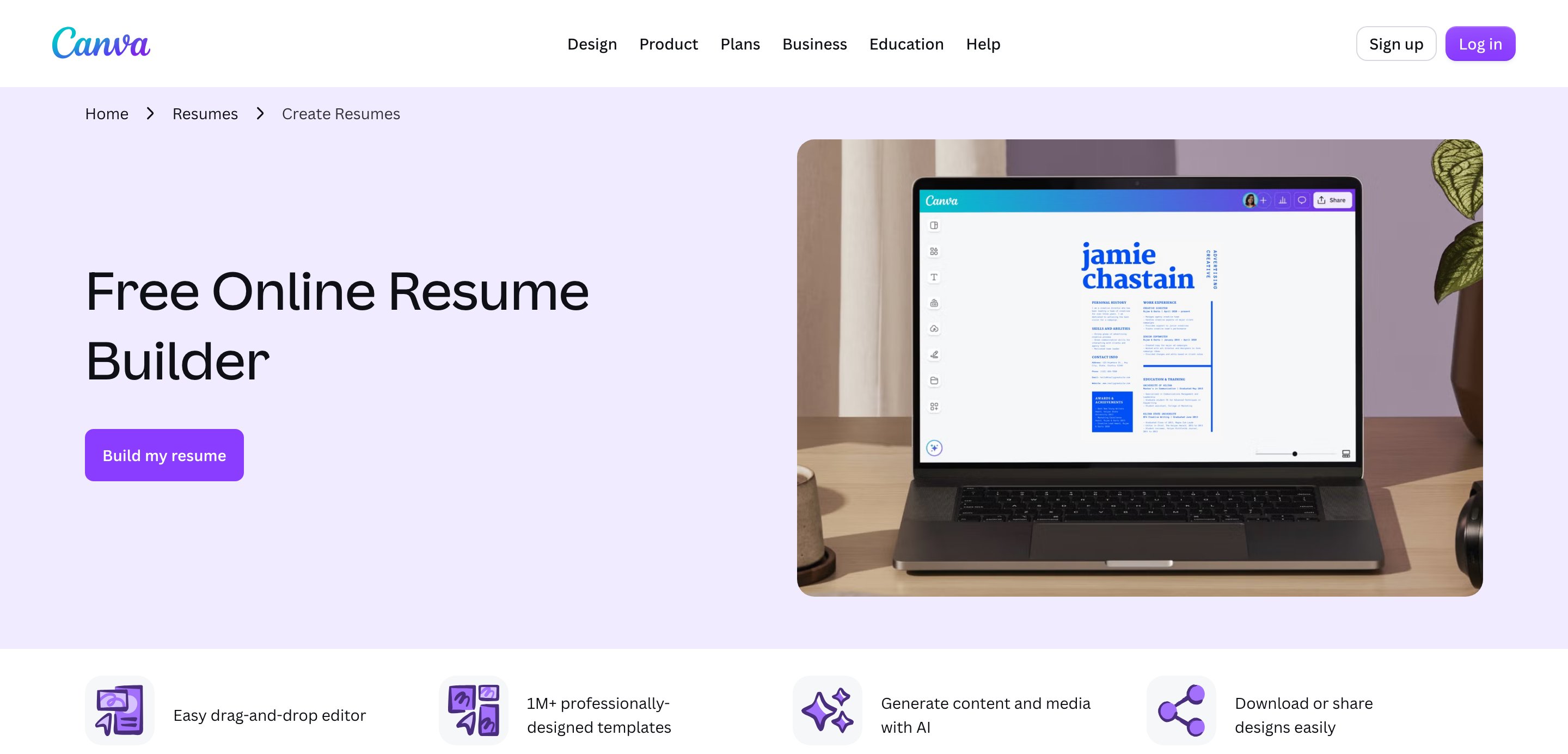
Per Canva's pricing page (October 30, 2026) the Free plan costs $0 and includes limited access to Standard and Premium AI from a shared monthly allowance; Ultra AI tools are not included. Pro costs $144 per year for one person. Canva's resume page says creating a resume in the builder is free and mentions hundreds of free templates, Magic Write as a free text tool and saved versions of your resume. It does not list export formats on that page.
Worked example, 12 weeks, 15 applications. Assumptions: you edit one Canva base file per job, about 20 minutes each, and write the cover letter by hand. That is roughly 5 hours of editing for 15 jobs, plus the writing. On Free that costs $0 in cash; if you need Pro for premium templates, 3 months of the yearly plan is about $36 in equivalent terms, though Canva bills the full $144 up front. The cost in Canva is rarely money, it is your time per application.
Where an AI resume builder helps, and where it does not
Germany's Federal Employment Agency is blunt: use a different CV for each application, because each should be tailored to the employer (Bundesagentur für Arbeit, CV guidance). An AI builder helps exactly there: it matches your experience to the wording of the ad and drafts the cover letter. It does not help if it invents facts. Check every sentence, because you sign the application.
Typical mistakes we see people make with both tool types:
- One generic file sent to 30 jobs, in a beautiful template.
- Letting AI add skills you do not have; interviews expose this fast.
- A photo on a US resume. The US EEOC states that employers should not ask for a photograph. In Germany a photo is no longer required either, the Federal Employment Agency calls it "kein Muss mehr".
- Ignoring the one-to-two-page guideline for the German CV.
The third option: Atlas Career

Atlas Career (built by Sprad in Vienna, a team with seven years in recruiting software) is a free AI career agent. It searches 1.5M+ active jobs straight from employers' career sites, shows a match score from 0 to 100 with the reasons for each job, and writes a tailored CV and, if you ask, a cover letter for each application. Language and format follow the ad: a photo is common in German CVs, not in US ones. Atlas sends nothing for you. You review, download the PDF and apply directly to the employer.
Honest limits: Atlas is not a design studio. If you want a custom visual layout for a portfolio-style CV, Canva gives you far more control. Many people combine them: the content comes from Atlas, a visual one-pager for networking is made in Canva.
Data protection matters when you upload a CV with your address and work history. Atlas is hosted in the EU, follows the GDPR, never sells your data and does not train other AI models on it. The EU AI Act classifies AI systems used for recruitment and candidate filtering as high-risk, so employers using them face strict duties; for you as an applicant, that is another reason to keep your CV plain and factual.
Which should you choose?
- You apply via online forms (most corporate jobs): plain single-column CV, tailored per job. Use Atlas Career or any builder that rewrites content; use Canva only to design a clean one-column layout.
- You send it to a named person or a creative studio: Canva is a good fit; keep a plain version for the form.
- You apply to 10+ jobs a month on a budget: the bottleneck is tailoring time, not design. A tool without quotas wins.
- You apply in the US and DACH: keep two versions, with and without a photo.
More on this: which AI resume builders are really free, how to tailor your CV with AI and how to choose a resume ATS checker. For cover letters in Europe, see AI cover letter generators for Europe.
FAQ
Can a Canva resume pass an ATS?
It can if it is a single-column design with real, selectable text and standard headings. Multi-column layouts, icons and text exported as images often cannot. Run the select-and-paste test before you apply.
Is the Canva resume builder really free?
Yes, Canva says creating a resume in its builder is free. AI use on the Free plan is limited and comes from a shared monthly allowance. Canva Pro costs $144 per year for one person (October 30, 2026).
Does Canva write my resume for me?
Canva offers AI text help such as Magic Write, but it is a design tool first. It does not read a job ad and tailor the CV for you; you do that by hand.
Is Canva good for a cover letter?
For the look, yes: Canva has cover letter templates and an AI letter generator. For the content, a tool that uses the actual job ad produces a more specific letter. Either way, reread it before sending.
What does an AI resume builder cost for three months?
It varies. Examples from October 2026: Rezi $29 per month, Teal $29 per 30 days, Kickresume €24 monthly. Free tiers usually cap AI use or downloads. Atlas Career is free without limits.
Should I put a photo on my CV?
Not in the US: the EEOC says employers should not ask for photos. In Germany it is no longer required, but still common. Follow the ad and keep both versions.
Are my CV data safe in these tools?
Check where data is processed and whether it is used for training. Atlas Career is hosted in the EU, follows the GDPR and does not train other models on your data.
Jürgen Ulbrich
Jürgen Ulbrich has more than a decade of experience in developing and leading high-performing teams and companies. As an expert in employee referral programs as well as feedback and performance processes, Jürgen has helped over 100 organizations optimize their talent acquisition and development strategies.