A social media recruiting strategy for hourly and skilled roles fits into 30 days: define one role, set up the Meta ad account and consent, build three ad variants with a short application route, launch in week three and decide on budget in week four.
Day 30 does not deliver a finished hiring machine, but the first reliable numbers for cost per applicant and the share of applicants who actually fit. Plan at least $1,000 per role group and three months of runtime. As of October 2026.
What a 30-day plan can and cannot deliver
The big guides on social media recruiting mostly describe a mindset: pick platforms, share culture content, build an employer brand. That works for white-collar and employer-brand goals. For nurses, drivers, warehouse staff or electricians the question is more practical: which ad, to whom, at what cost, and what happens to the applicant in the first hour.
This plan covers paid job ads on Facebook and Instagram, the channels where frontline workers spend their time. After 30 days you have a running campaign, a tested application route and the data to decide about months two and three. You do not have a guarantee of hires. Anyone promising that after four weeks is selling something.
The plan at a glance
| Week | Goal | Result | Effort |
|---|---|---|---|
| 1 (days 1–7) | Define role, set up accounts | Role brief, Page, ad account, consent, tracking | about 6 hours |
| 2 (days 8–14) | Build ads and application route | 3 ad variants, short form, 3 must-have questions, tested on a phone | about 8 hours |
| 3 (days 15–21) | Launch | Campaign live in the Employment category, daily budget set | about 3 hours, then daily replies |
| 4 (days 22–30) | Measure and decide | Cost per applicant, qualified share, decision on budget | about 3 hours |
The hours are an estimate from our own planning for one role group, not a measured benchmark. The biggest variable is how fast someone answers applicants.

Week 1: pick one role and set up the basics
Choose one role family, not five
Start with the role you have to fill most often, in one region. A single message to a single audience is easier to read in the data than a broad campaign. Write down headcount, location, shift, pay and the three things an applicant must have, for example a licence, a certificate or availability for nights.
Set a realistic budget
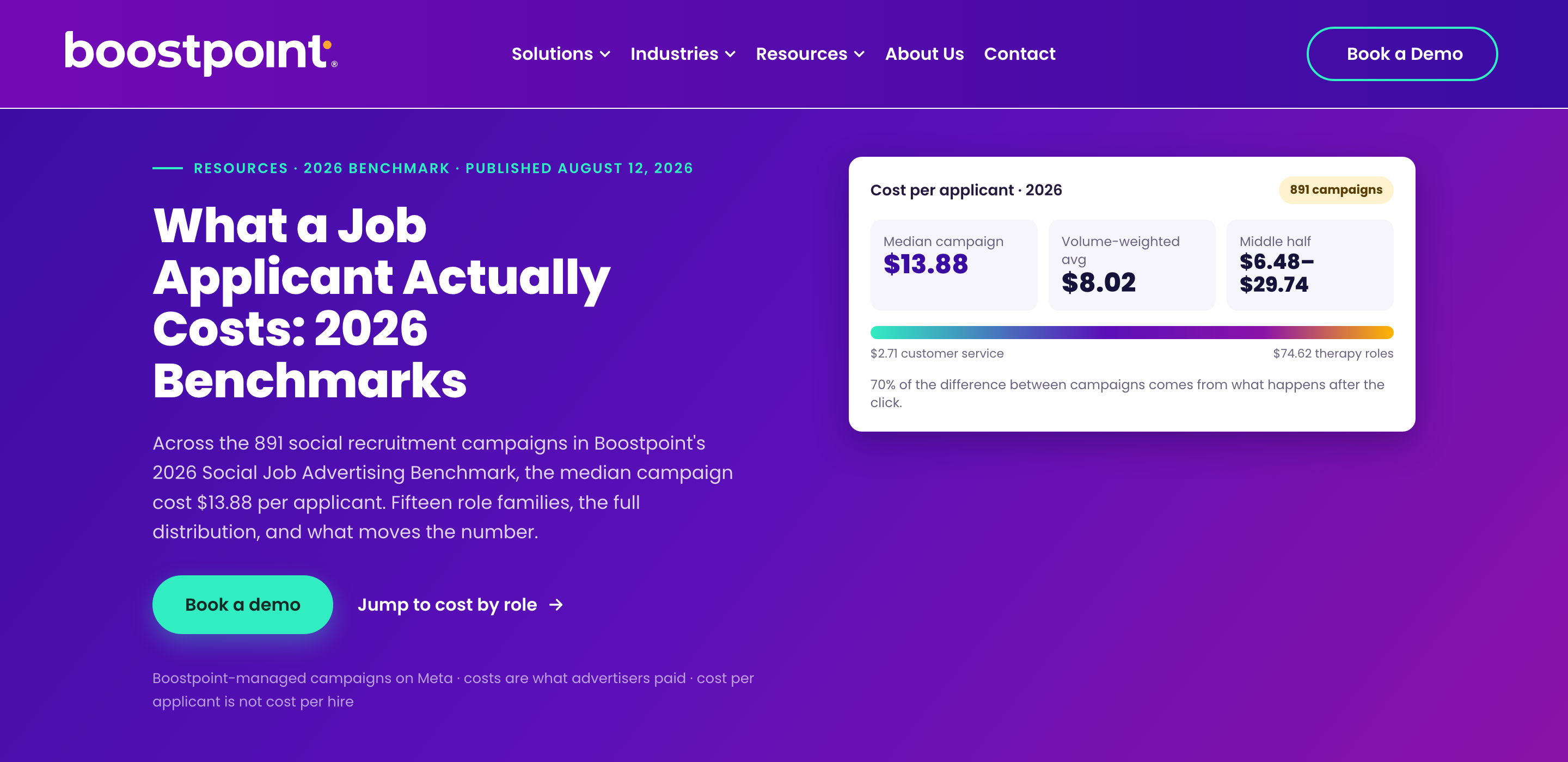
Technically a few dollars a day are enough. For usable data, plan at least about $1,000 per role group over three months. A US reference: Boostpoint analysed 891 Meta campaigns in 2026 and found a median of $13.88 per applicant, from $2.71 for customer service to $74.62 for therapy roles. At the median, $1,000 yields roughly 70 applicants. Your own numbers will differ, and an applicant is a completed form, not a hire.
Know the Employment ad category
As soon as an ad promotes a job, Meta requires the "Employment" special ad category. Per Meta Business Help it applies to advertisers in the US, Canada and parts of Europe, so check the scope in Ads Manager. In it you cannot select age, gender or ZIP code, location works as a radius of at least 15 miles (25 km), and lookalike audiences are unavailable. The consequence for your strategy: the ad copy does the targeting. A clear first line with role, place and pay filters better than any audience setting.
Set up Page, ad account, consent and tracking
You need a Facebook Page, an ad account in Meta Business Suite and ideally a connected Instagram account. If you serve EU candidates, the Meta pixel and lead forms require consent under GDPR. Clear that with your data protection officer; this is not legal advice.
Week 2: build three ads and a short application route
Write three variants with different first lines
Test the hook, not the colours. Variant A leads with pay, variant B with the shift or schedule, variant C with a person at work. Only about the first 125 characters show in the feed, so role and place belong there. Use real photos from your workplace.
Keep the form under a minute
Boostpoint ties 70 % of the cost difference between campaigns to what happens after the click, mainly the completion rate of the form. At a completion rate below 5 % the median cost per applicant was $53.77, at 20 to 35 % it was $4.41. So: few fields, no CV upload, phone-friendly, and two to three must-have questions that filter early.
Prepare the pre-screening
An application only has value once someone has talked to the applicant. Prepare five questions for the first reply: licence or certificate, shift availability, start date, location, pay expectation. For frontline roles, phone and WhatsApp beat email; see frontline recruiting by phone and WhatsApp, not email. Decide who answers and how fast. Same day is the target.
Do a dry run
Fill out your own form on a phone, in the feed, with weak mobile data. If you give up after the third field, so will applicants.
Week 3: launch and answer
Create the campaign with the objective "Leads" (instant form) or "Traffic" (landing page), set the Employment category and a radius around the workplace, and put the three variants in one ad set with an equal share of the budget. Then resist the urge to change things every day. Give the ads a few days before you judge them, and use the time to answer every applicant.
The first week of data is noisy. What you watch now is not the winner but obvious failures: a form nobody finishes, an ad that gets impressions but no clicks, replies that take two days.
Week 4: read three numbers and decide
Do not stop at the number of applications. Track three figures:
- Cost per applicant (ad spend divided by completed forms).
- Qualified share (applicants who meet your must-haves after the first conversation).
- Cost per interview (ad spend divided by interviews held).
A campaign with $40 per applicant and 50 % qualified beats one with $15 per applicant and 5 % qualified. Use the numbers to decide:
| What you see | Likely cause | Next step |
|---|---|---|
| Few clicks, many impressions | weak first line or photo | Replace the weakest ad, lead with pay |
| Many clicks, few completed forms | form too long or confusing | Cut fields, drop CV upload |
| Many forms, few qualified | ad promises too little about requirements | Name licence, shift and location in the ad, add must-have questions |
| Qualified but nobody picks up | reply time too slow | Answer within hours, use WhatsApp or phone |
Swap the weakest of the three ads for a new variant and set the budget for months two and three. Recommended runtime is three months, because the first month mostly teaches you what works.
After day 30: build a pool, not just a campaign
Most applicants who do not fit today still fit next quarter. Store every applicant with source, role and qualification in a talent pool instead of in an email folder. Then the second role does not start from zero, and the reach you paid for stays with you. See also how this works for healthcare and logistics.
Typical mistakes in the first 30 days
- Starting with five roles and a budget too small for any of them.
- Leaving out pay, because the first line is a company slogan.
- Choosing a long form with CV upload for roles that rarely have a CV.
- Switching ads every two days, before there is any data.
- Counting applications and ignoring how many fit.
- Answering after two days.
The shortcut: Sprad Social Recruiting
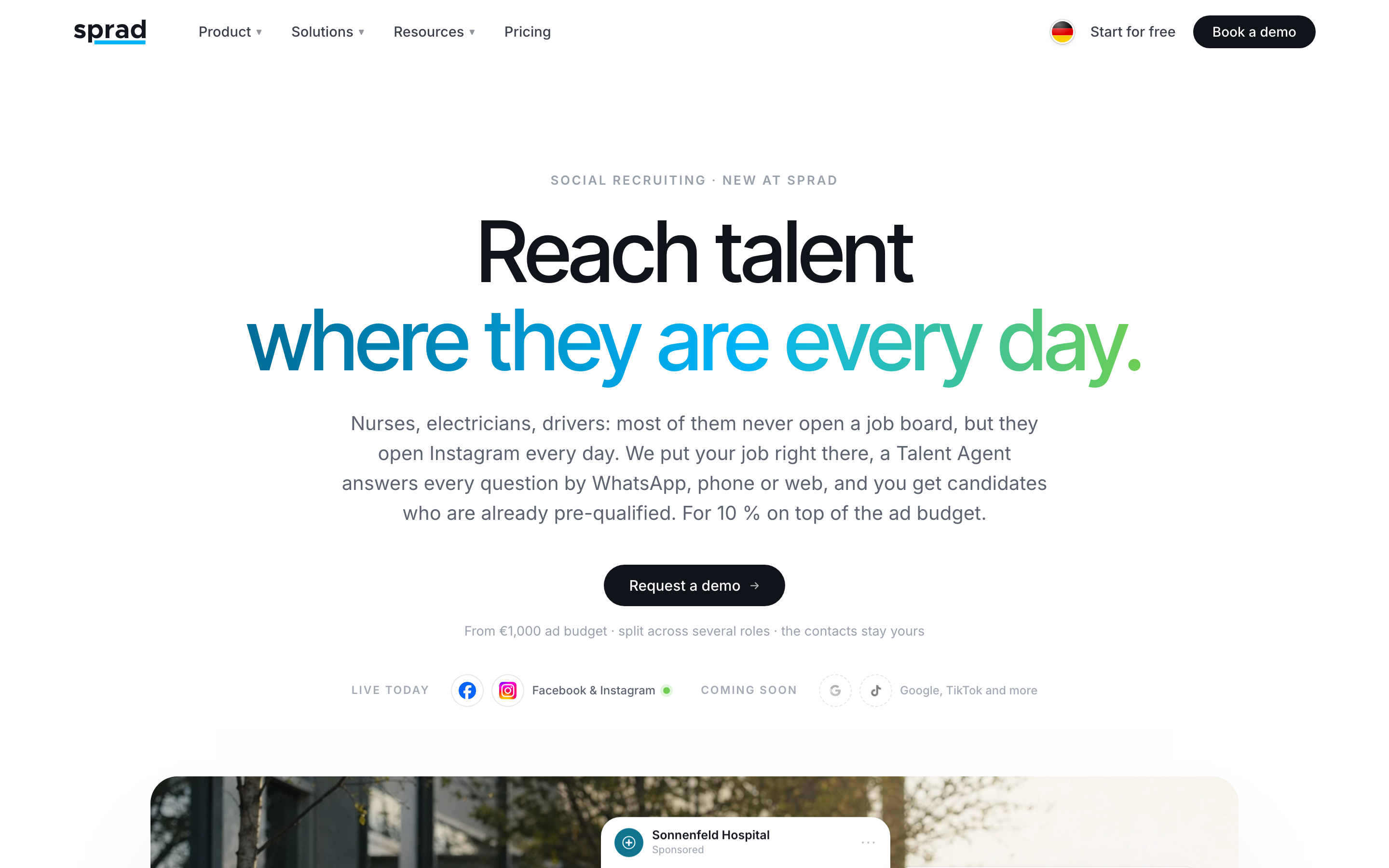
If you do not want to build ads, pre-screening and a pool yourself, use Sprad Social Recruiting. Sprad runs your roles on Instagram and Facebook, an AI Recruiter Agent pre-screens every applicant via WhatsApp, phone or web, and every applicant lands in your own talent pool instead of on a platform you rent reach from. You pay from €1,000 per month, which can be split across roles.
A strategy is only one part of recruitment marketing; for the wider picture of channels, metrics and cost per hire, see our guide to recruitment marketing.
Deeper reading: our social recruiting guides, and the social recruiting glossary for every metric in this plan.
FAQ
How long does a social media recruiting strategy take to show results?
You see the first applicants within days of launch and reliable cost data after about three to four weeks. Plan three months of runtime to compare variants and build a pool.
How much budget do I need for the first campaign?
Plan at least about $1,000 (or €1,000) per role group over three months. With several roles the budget is split across them, so it should grow with the number of roles.
Which platform should I start with: Facebook or Instagram?
Run both in one campaign and let the data show where the better applicants come from. Both belong to Meta and use the same Ads Manager.
Do I need an agency for this?
No. The plan above can be run in house if someone owns the replies and reads the numbers weekly. An agency or a tool pays off when you hire for many roles at once or lack the time to pre-screen.
Can I target by age or gender?
Not for job ads. In Meta's Employment category age, gender and ZIP code are not selectable, so ad copy and location do the targeting.
Jürgen Ulbrich
Jürgen Ulbrich has more than a decade of experience in developing and leading high-performing teams and companies. As an expert in employee referral programs as well as feedback and performance processes, Jürgen has helped over 100 organizations optimize their talent acquisition and development strategies.