Old XING contacts are usually not lost, just stuck: XING lets you download contacts one at a time as a vCard, not as a bulk CSV, and XING TalentManager's own export only returns the fields that were public in the first place — no current job title, no availability, no updated skills. Turning years of DACH contacts into a usable pool means getting what you can out, re-establishing consent, and enriching what's missing before you search it again.
Why XING contacts go stale faster than they should
Many DACH recruitment agencies have been on XING for over a decade, and some have built genuinely large networks there — cases of agencies with 2,000 or more XING contacts collected since the mid-2000s aren't unusual. The problem isn't the size of that network. It's that XING's own reviewers describe a platform with a declining, ageing user base as candidates increasingly migrate to other networks, which means the contact who was reachable and current in 2015 may have changed employer, seniority and even name several times since — and XING's own record of them hasn't necessarily kept up.
A contact list that isn't searched, isn't updated and isn't reconnected with regularly stops being a pool and becomes an archive. The candidates are still real people with real careers; the data about them just hasn't moved in years.
Getting contacts out of XING: what's actually possible
XING does not offer a native bulk export of your personal contact list. What is available:
- Individual vCard downloads — in "My Contacts," each contact can be exported one at a time as a vCard file, which then needs converting to CSV before most systems can use it.
- XING TalentManager's CSV export, if your agency uses it — but according to XING TalentManager's own documentation, this returns only the fields that were public on the candidate's XING profile, and is often incomplete.
- A personal data request under GDPR, filed directly with XING — this returns your own account's data, not a structured export tailored for recruiting use.
Third-party browser extensions and export tools exist that promise faster bulk export, but several carry real data protection questions of their own, since contact data passes through a service outside XING's and your agency's control before you see it. For candidate data specifically, that trade-off is rarely worth it.
XING TalentManager as the source system
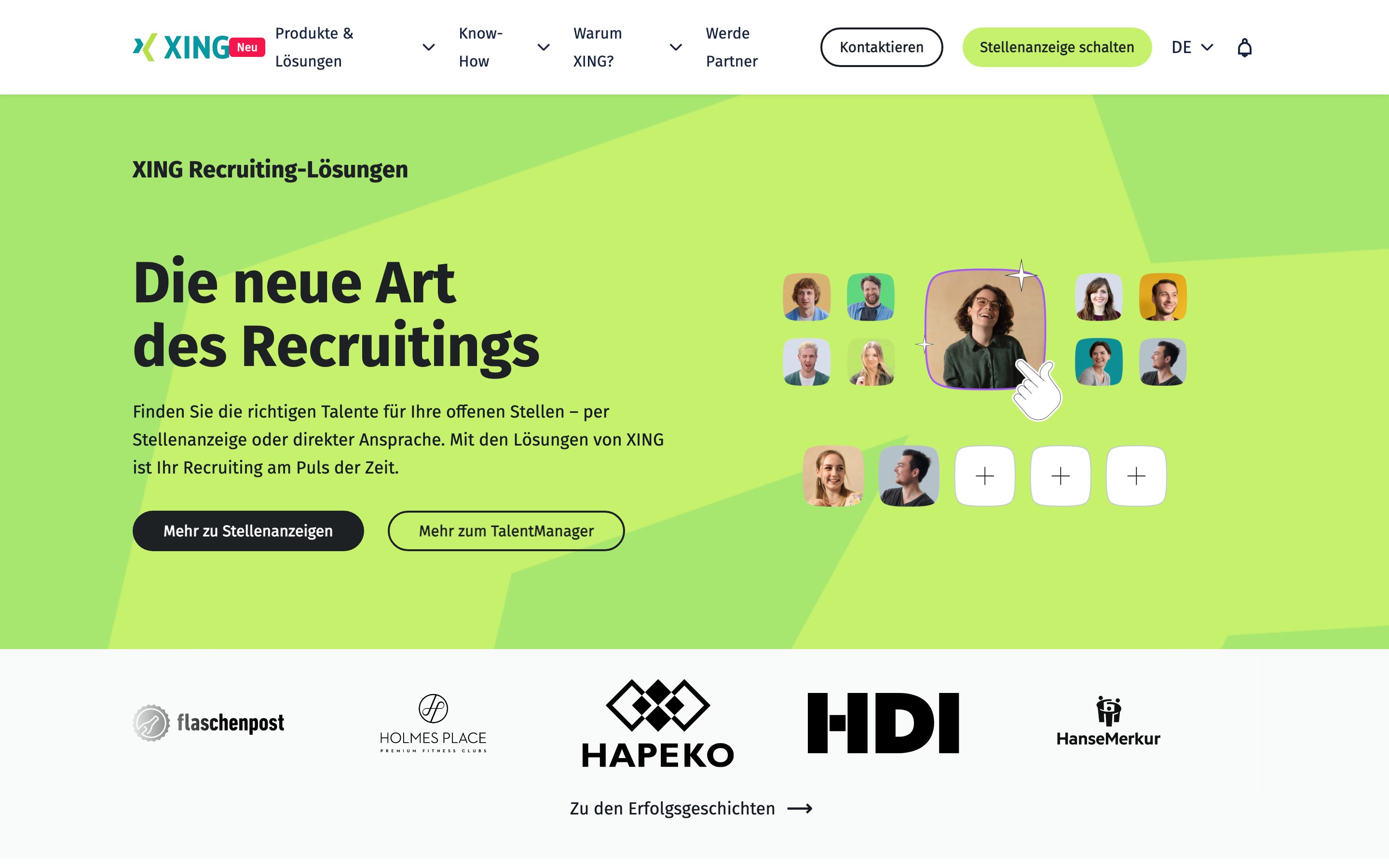
XING TalentManager can make a DACH archive easier to search before export, but it does not turn that archive into portable, current data. Public-field limits and XING-only profile access remain after the CSV is created.
Before you re-use anything: get consent again
A contact exported from XING in 2018 was not asked, in 2026, whether they're happy to be reached about a new role. Reusing years-old contact data without renewed consent is a genuine GDPR risk, not just a courtesy. The practical fix is to treat the export as a list to re-invite, not a list to message directly: a short note explaining who you are, why you kept their details, and an option to join your talent pool (or not) turns an old export into a legitimate, current relationship.
What's missing after export, and how to fill it in
Even a clean XING export rarely includes what a recruiter actually needs to act on a candidate today: current employer, seniority, availability, or an up-to-date skill set. Enrichment against public profile data fills in most of these gaps automatically once the contact is imported, rather than requiring a recruiter to look each person up individually.
DACH contacts vs. a searchable pool
| Situation | Old XING contacts left in XING | Old XING contacts moved into a real pool |
|---|---|---|
| Searchable by role/skill when a client calls | Only within XING's own limited filters | Yes, alongside external requirement search |
| Consent status | Whatever it was years ago | Refreshed on import |
| Current job/seniority visible | Only if the candidate updated XING recently | Enriched from public profile data |
| Owned by the agency vs. one login | Depends on whose XING account holds it | Attached to the agency's workspace |
| Reach beyond DACH if a role needs it | Weak outside DACH | Same search covers 1B+ public profiles worldwide |
1. Sprad: best for turning a DACH-native contact archive into a working pool
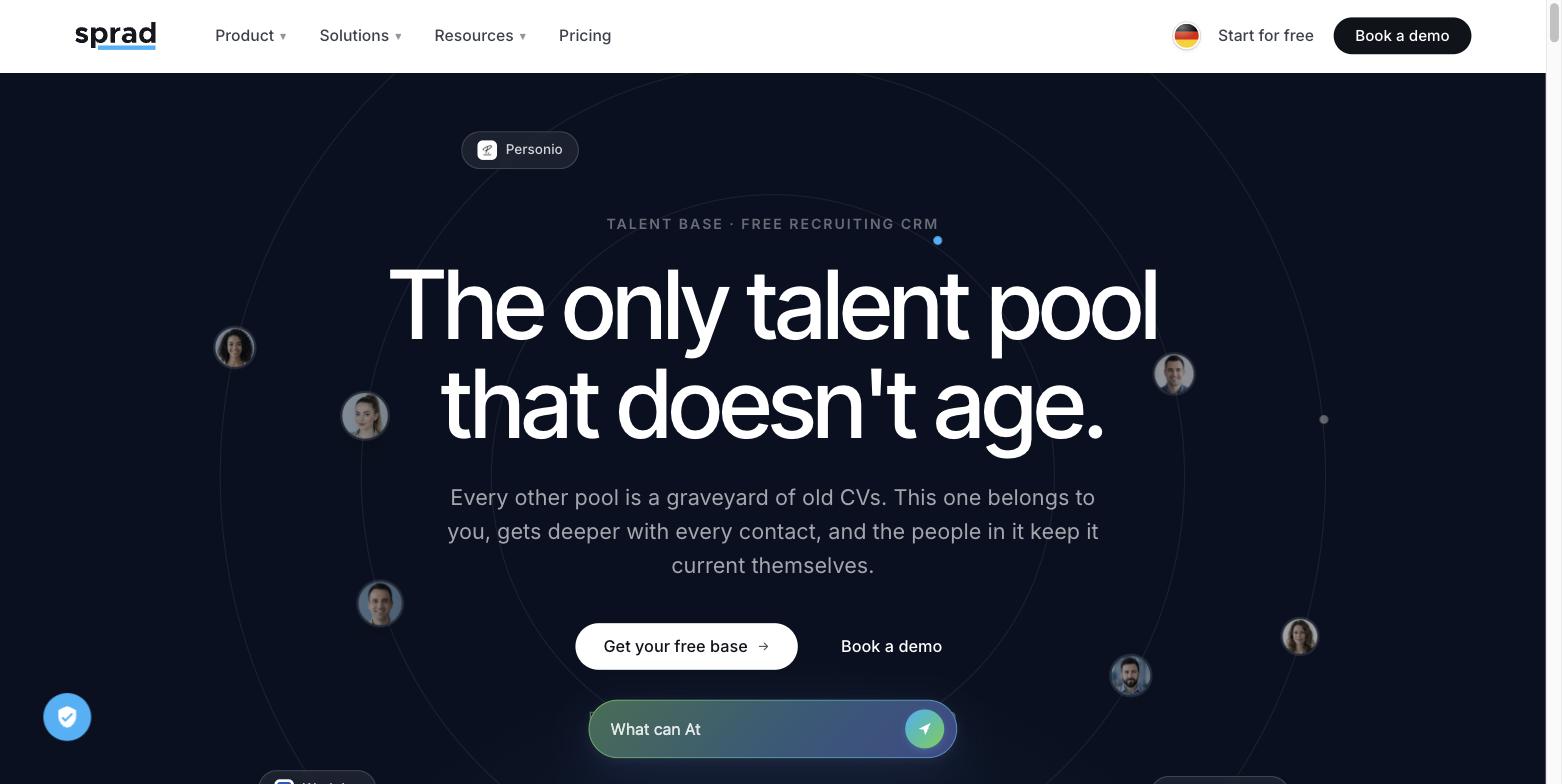
Sprad imports existing candidate data — CSV or vCard-converted exports, CV files — free of charge, and enriches incomplete records using public profile data, without requiring a native XING API integration that doesn't exist. Candidates re-added this way give active consent to join the pool and can update their own profile afterwards, which matters especially for contacts that are years old.
Once imported, the same requirement-based search covers both your DACH network and, when a role needs more reach than XING ever offered, more than 1 billion public profiles beyond it — in one query, at €59 per recruiter a month for the ATS and pool, starting with 200 free credits and no credit card. For agencies that specifically want to keep working inside XING's own network for DACH white-collar roles, XING TalentManager still has that reach; it just doesn't reach much beyond it, and its own reviewers already flag the declining pool of active users as a real limitation.
See how this fits an agency your size on the recruitment agencies page, how the wider search works on people search, or the running cost on pricing. If the same question applies to a seat on another professional network instead of XING, this article covers what's exportable there, and the general five-step approach to consolidating everything into one pool is in how to build a talent pool your agency owns.
FAQ
Can I export all my XING contacts at once?
Not natively. XING only supports downloading contacts individually as vCards; there is no built-in bulk CSV export for a personal contact list. XING TalentManager has its own CSV export, but it returns only the fields that were public on each profile.
Is it legal to reuse old XING contact data for recruiting?
Reusing years-old contact data without renewed consent carries real GDPR risk. The safer approach is to treat an old export as a list to re-invite with an explanation and an opt-in, not a list to directly contact as if consent were still current.
Why does my XING data feel outdated compared to LinkedIn?
XING's own reviewers describe a declining, ageing user base as candidates increasingly move elsewhere, and updates to a XING profile happen far less frequently than on more actively used networks — so job titles and availability captured years ago are less likely to still be accurate.
Can I request my full data from XING under GDPR?
Yes, you can request your personal account data directly from XING. It returns your own account's information rather than a structured, recruiting-ready export of your contact list.
What's the fastest way to make old XING contacts useful again?
Get whatever export XING allows, import it into a pool tool that enriches incomplete profiles automatically, and re-establish consent before reaching out — rather than trying to work from XING's own limited search and filters.
Jürgen Ulbrich
Jürgen Ulbrich has more than a decade of experience in developing and leading high-performing teams and companies. As an expert in employee referral programs as well as feedback and performance processes, Jürgen has helped over 100 organizations optimize their talent acquisition and development strategies.